A free Twitter viewer lets you open public X profiles, posts, photos, and videos without logging in. That is the part that works.
Here is the part that does not: no legitimate viewer can open a private account, read DMs, show who liked a post, or list who visited a profile. If a tool promises that, it is overselling.
This guide covers the free online viewers that still work in 2026 for public content, and draws a hard line at private accounts. Use them when you want to browse anonymously, check a public profile you don’t follow, or look at media without creating an X account. Skip them if you need private messages or activity on someone else’s phone. That requires a device you own, consent, and a different kind of tool.
Estimated reading time: 5 minutes
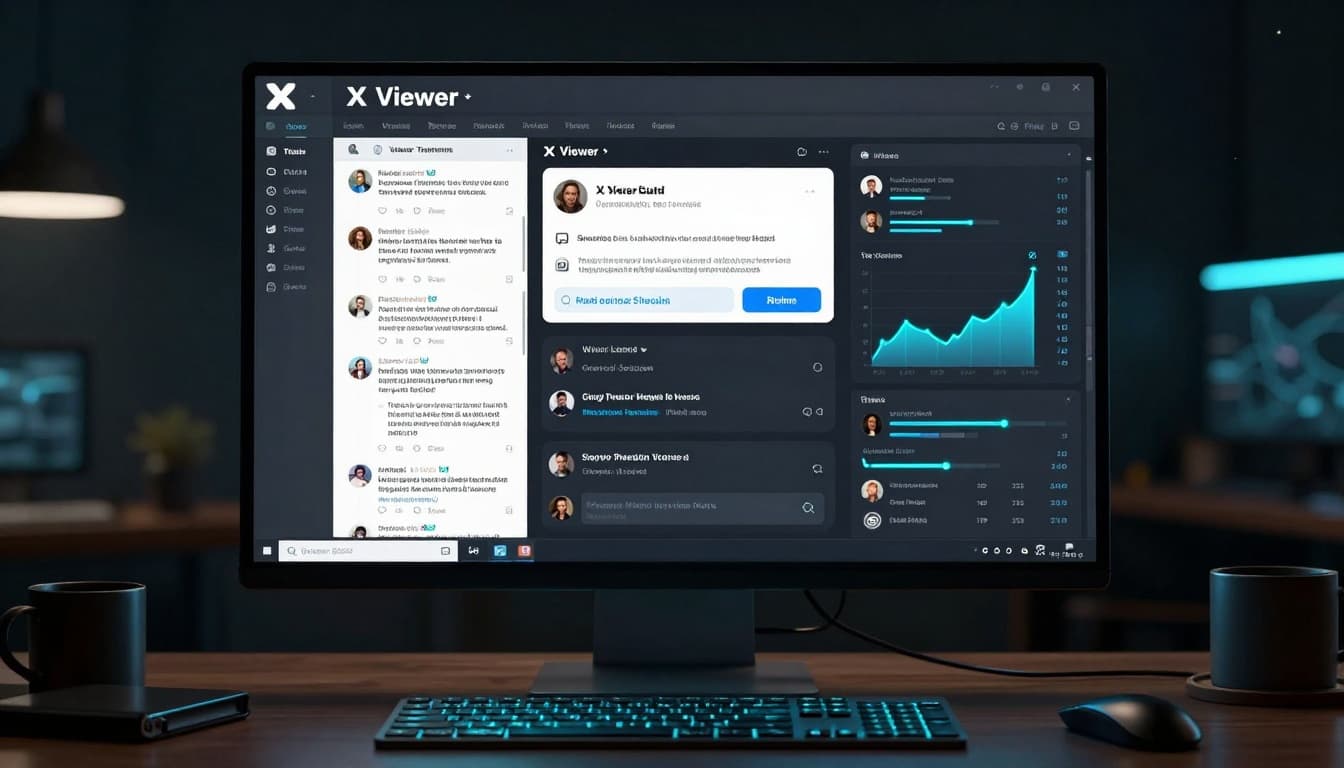
Table of Contents
The Takeaways
- Free viewers work only on public profiles, posts, and media.
- You can browse without an account and without logging into X.
- Anonymous viewing of public posts is possible. X still does not show who viewed a profile.
- Private accounts, DMs, likes on private posts, and “who viewed my profile” are not available through these tools.
- Paid monitoring apps are a different category: they install on a device you own and are not Twitter viewers.
Why Use a Twitter Viewer?
- View public profiles even if you’re blocked or in X jail.
- Download videos and media easily.
- Useful for researchers, marketers, parents checking public posts, and casual users.
Can you use a free online Twitter viewer without an account?
Yes. These tools load public profiles and posts so you do not have to sign in to X.
Is a Twitter viewer anonymous?
For public content, yes, you are not browsing while logged into your own X account. That does not hide you from X’s systems, and it does not reveal who viewed someone else’s profile. X does not give anyone a “profile visitors” list.
Can a Twitter viewer open a private X account for free?
No. Private accounts stay private. No free online viewer, web viewer, or “X private account viewer” can bypass that. Tools that claim otherwise are the ones to avoid.
Best Free Twitter Viewers in 2026
These are the free public viewers named in the guide. Features change fast because X keeps tightening logged-out access. Test one before you rely on it.
| Tool | Best for | Key features | Free? | Link |
|---|---|---|---|---|
| TweetGrok | Speed and a clean interface | Fast loading, ad-free, profiles and threads | Completely free | tweetgrok.ai/twitter-viewer |
| Twitter Web Viewer | General use | Profiles, media downloads, search | Free | twitterwebviewer.com |
| Twillot | Media downloads | Videos, images, engagement metrics | Free tier | twillot.com |
| Snaplytics | Power users | Multiple viewing modes, analytics | Free | snaplytics.io |
| ArchivlyX | Privacy-focused browsing | Anonymous browsing and downloads | Free | archivlyx.com |
Pro tip: Start with TweetGrok or Twitter Web Viewer. They are the fastest to test. If a viewer asks for your X password, close it.
Free Twitter Viewers vs. Parental Monitoring Tools
| Need | Free Twitter viewers | Parental monitoring tools (uMobix / mSpy) |
|---|---|---|
| View public X profiles and posts | Yes | Not their focus |
| See private messages, deleted content, or full activity | No | Yes, on a device you own |
| Location history and real-time tracking | No | Yes |
| Works without installing anything on a phone | Yes | No. Requires installation on the target device |
| Best for | Quick anonymous public viewing | Parents who need deeper visibility into a child’s device activity |
Bottom line: Free viewers are for public content. If you are a parent who needs more insight into a device you own, with proper consent, tools like uMobix and mSpy are built for that. They are not Twitter viewers.
How to Use a Twitter Viewer
- Open one of the tools above.
- Enter a username (for example, @elonmusk) or paste a post link.
- Click View Profile or Search.
Most tools also let you open threads, replies, and download public videos.
Important Limitations
- These tools only work for public accounts. Private accounts remain private.
- Features can change quickly because X frequently updates the platform.
- Never give a viewer your X password or app permissions.
- Respect privacy and X’s terms.
Need more than public posts? Free Twitter viewers only show what is already public.
If you are a parent who needs to see private messages, deleted content, location history, or full social activity on a device you own, with proper consent, uMobix and mSpy go further. They install on the phone. Only use them with consent and in line with local law.
Paid Monitoring Tools (Parents and Businesses)
If you need to monitor private activity on a device you own, with consent, mSpy and uMobix offer tracking features such as screenshots and message history. These are not simple viewers. They require installation on the target device.
Use them only for legitimate parental or employee monitoring, and only where the law allows it.
Conclusion
Free Twitter viewers are useful when you only need public profiles, posts, or media without logging in. They do not open private accounts, and they cannot show who viewed a profile.
If you need deeper visibility into a device you own — private messages, deleted content, location history, or overall activity — then uMobix and mSpy are built for that. They require installation and consent.
Start with the free options. Move to a monitoring tool only if public content is not enough.
Frequently Asked Questions
Can I view private Twitter accounts?
No. No legitimate tool can view a protected account without the owner’s permission.
Is it safe to use these viewers?
The reputable ones above do not need your X login. Do not enter your password. A VPN adds a layer of privacy, but it does not unlock private accounts.
Are these tools legal?
Viewing public content is legal. Monitoring a device is only appropriate with consent and where local law allows it.
Does X show who viewed my profile?
No. X does not publish a profile-visitor list, for free accounts or Premium. Apps that claim they can show one are not getting that data from X.
Disclosure: This Inspire To Thrive post contains affiliate links. I may earn a commission from qualifying purchases at no extra cost to you. Some sections were drafted with AI tools and reviewed and edited by me.

- How to Build a Strong Online Presence for Solopreneurs in 2026 (Without Spreading Yourself Thin) - October 17, 2026
- TikTok Viewer: How to Watch Public Videos Anonymously (2026 Guide) - October 16, 2026
- Find Broken Links on Site Fast: Scan, Fix, and Protect Your SEO - October 15, 2026
Enjoy this content? Help me show up more often in Google by adding Inspire To Thrive as a Preferred Source: