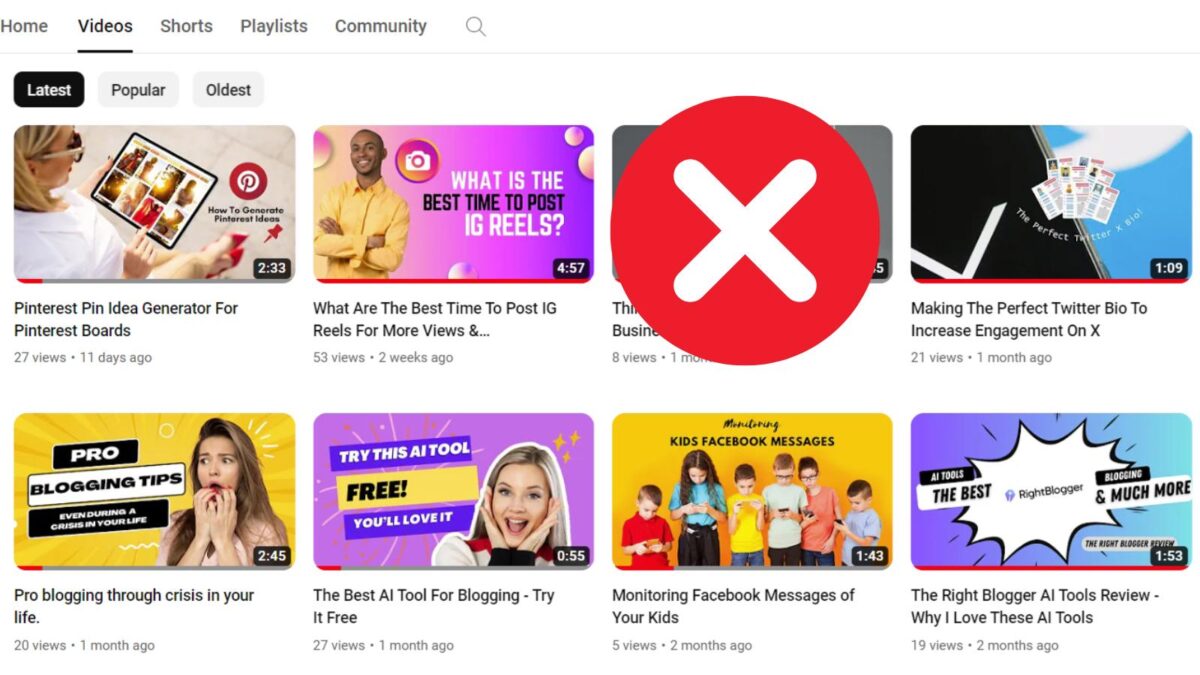
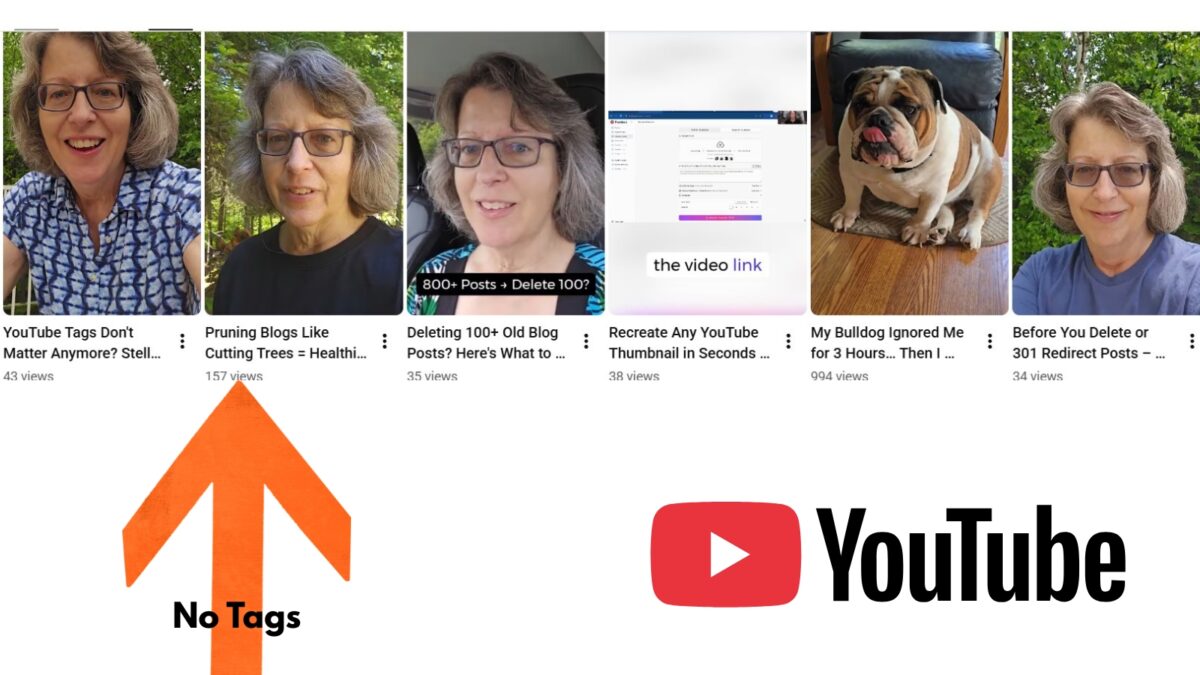
I uploaded a YouTube Short without tags, and it outperformed my previous three videos. That result made me revisit a question many creators still ask: Do YouTube tags still work in 2026?
My answer is practical. YouTube tags are not useless, but they are a minor signal for the YouTube algorithm compared to other essential factors like your video title, thumbnail, watch time, viewer satisfaction, and audience response. While this metadata provides a bit of extra context, I treat them as a helpful tool rather than a shortcut to more views.
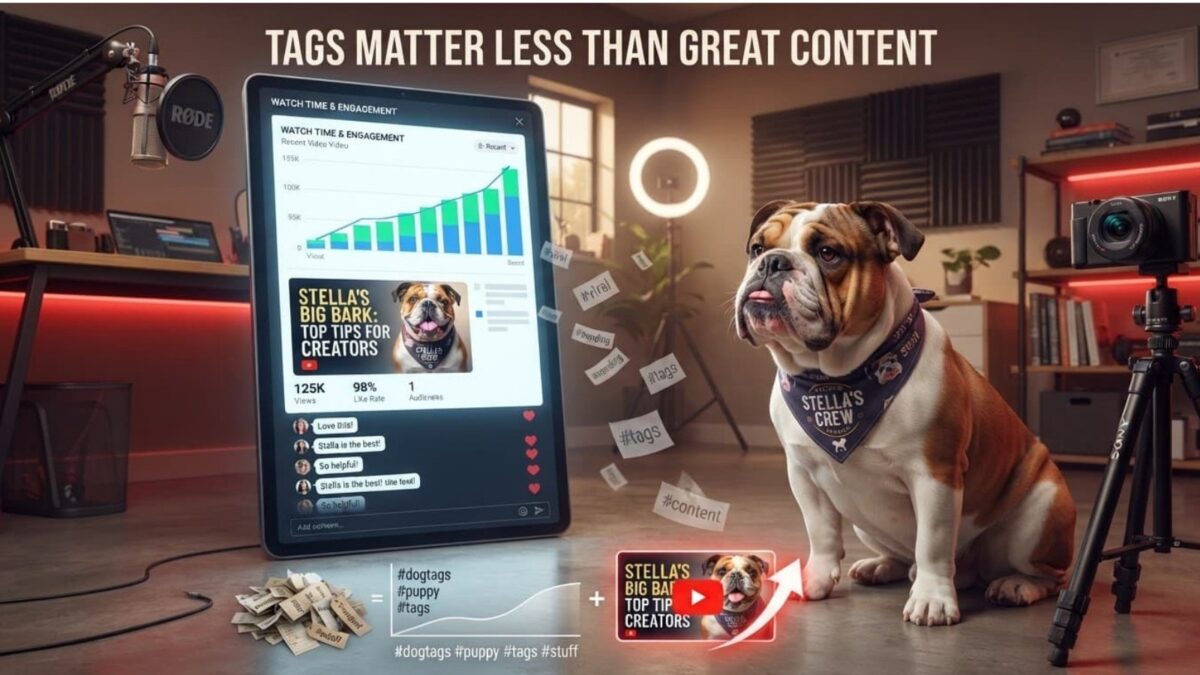
Table of Contents
Quick Tags Rundown
- Tags are a secondary signal: YouTube tags play a minimal role in modern discoverability, functioning only as a minor tool for clarifying context rather than a primary driver of views.
- Prioritize core metadata: Your video title, thumbnail, and first two lines of the description are significantly more important than tags for establishing context and improving click-through rates.
- Audience behavior is paramount: The algorithm prioritizes metrics such as watch time, viewer satisfaction, and engagement (comments, shares, and rewatches) far above metadata tags.
- Use tags for niche clarity: Reserve the tag field for specific use cases, such as correcting common misspellings of your topic, defining obscure industry acronyms, or providing alternate names for your subject matter.
- Avoid keyword stuffing: Filling your tag field with irrelevant or excessive keywords provides no ranking benefit and can potentially trigger spam policies; keep your tags accurate and concise.
Do YouTube Tags Still Work in 2026? Here’s the Short Answer
When it comes to whether YouTube tags still work in 2026, YouTube’s current guidance is clear: Tags play a minimal role in helping videos appear in search results. While they are no longer a primary driver, they can still function as a secondary ranking factor for discoverability when you need to clarify common misspellings, alternate names, or niche abbreviations.
For example, tags can help if I mention a product with an unusual name, a niche software tool, or an acronym that viewers search in different ways. They also make sense when people commonly misspell a phrase.
However, adding dozens of tags does not guarantee impressions or views. A weak video with a vague title and slow opening will not improve because I added extra metadata. Tags cannot repair poor audience fit or a disappointing viewing experience.
My untagged Short likely performed better because viewers stopped scrolling, watched longer, or replayed it. Because the YouTube algorithm has improved its ability to process video content, captions, audio, and viewer behavior, I don’t need to depend on tags as heavily as creators once did.
Still, I don’t ignore them when they can remove confusion for the platform. I also add them to videos that are underperforming for a little boost.
What YouTube Understands Without Tags
YouTube gathers context from my spoken words, captions, video title, description, thumbnail, video visuals, and channel history. It also learns from what viewers do after the video appears in front of them. The system uses this metadata to identify the right target keyword context for your content.
If I publish a tutorial called How to Start a Business Blog in 2026, explain the process on camera, and include captions, YouTube has plenty of clues. It can connect that video with viewers who watch blogging, WordPress, content marketing, or small business tutorials.
Recommendations depend heavily on audience response. When the right people click, keep watching, enjoy the video, and return for more, YouTube gets stronger evidence than a long tag list can provide.
This process helps place videos in suggested-video carousels based on viewer behavior rather than just relying on generic tag lists.
Why One Untagged Video Can Outperform Older Videos
A single Short can win because of its opening hook, topic interest, timing, replay value, or fit with a specific audience. The Shorts feed also tests videos with different viewers, and early reactions can affect how broadly a video travels.
Trending sounds, a clear visual opening, and a useful idea can improve a Short’s chances. A viewer who watches twice or shares the video sends a better signal than a generic tag ever could.
Still, I don’t treat one successful upload as proof that tags never matter. I compare several videos with similar topics and formats before I draw a conclusion.
What Matters More Than YouTube Tags for Getting Views
For bloggers and small business owners, tags are merely a supporting detail. The larger goal is to create videos that earn attention, build trust, and bring the right people back to my website or channel.
Build a Clear Topic Into the Title, Description, and Video
I start with a topic people can understand quickly. A vague title such as My Blogging Thoughts gives viewers little reason to click. A more effective approach is to include a target keyword within the video title, such as How to Start a Business Blog in 2026, which promises a clear outcome and identifies the intended viewer.
I place the main subject naturally in the title and the first two lines of the description. Then I say it early in the video and include accurate captions or on-screen text. Repeating a phrase unnaturally makes the content feel stiff, so I focus on clear language instead.
👉 Furthermore, a custom thumbnail in tandem with these elements to increase CTR, ensuring the video stands out. This combined metadata gives YouTube consistent context across the page and the video itself.
Improve Clicks, Retention, and Viewer Satisfaction
I pay close attention to the first few seconds. For long-form videos, the thumbnail and title need to earn the click, while the introduction needs to deliver on that promise without delay.
For Shorts, the opening frame matters immediately. I use vertical video, visible action, direct language, and pacing that gives viewers a reason to stay. Watch-through rate, rewatches, shares, comments, and follows often reveal more than a raw view count.
A video that attracts the wrong click may get views, but it rarely builds a dependable audience.
I check audience retention and traffic sources in YouTube Studio. By analyzing this data, I can determine if traffic is coming from suggested videos, the Shorts feed, or search results. Each source tells a different story about why people found a video, allowing me to refine my strategy for future uploads.
How I Use YouTube Tags Without Wasting Time
I use tags when they add clarity, not because I feel obligated to fill the entire 500-character limit provided in YouTube Studio. A small, accurate group of tags takes little time and keeps my publishing process focused.
Choose a Small Set of Accurate Tags
For a video about YouTube tags, I might use “YouTube tags,” “video tags,” and “YouTube SEO.” I include my channel name as a tag to help build brand association. While you might use a YouTube tags generator or a YouTube tags extractor to gather ideas, avoid the temptation of keyword stuffing with irrelevant tags.
I balance my metadata by using a mix of broad tags for general categorization, specific tags that define the exact topic, and long-tail phrases that reflect actual user search queries. First, I ensure the main topic appears in the title and description. Then, I add tags in YouTube Studio as extra context rather than relying on them to carry the topic alone. I steer clear of popular but unrelated terms or competitor names, as these choices create messy metadata and can trigger spam policies. Accuracy is always more useful than volume.
Test Tags and Measure the Right Results
When I want to see if my strategy is working, I run a small test across several comparable videos. I publish some with a set of tags and others without them, keeping the topic, format, title style, thumbnail approach, and publishing schedule as consistent as possible.
Then I compare metrics like impressions, click-through rate, average view duration, retention, and search traffic. A minor difference in views does not prove that tags caused the result, as effective YouTube SEO is truly about the total package of your content.
I also distinguish between metadata tags and hashtags. Hashtags are visible to viewers and help categorize content on the platform, while tags remain hidden in the upload settings and primarily provide background context for the algorithm.
👉Remember that adding irrelevant tags will not help your performance, so prioritize clarity to ensure your video reaches the right audience.
Frequently Asked Questions: Do YouTube Tags Still Work in 2026?
No, you do not need to use the full 500-character limit. It is much more effective to include a small, accurate set of tags that describe your video’s specific topic than to fill the field with irrelevant keywords.
While they provide a small amount of extra context to the platform, they are not a major factor for search engine optimization. YouTube’s algorithm is now sophisticated enough to understand your content through your title, description, spoken audio, and viewer behavior.
YouTube tags are hidden metadata added in the backend that provide internal context for the algorithm. Hashtags are visible to viewers and appear above your video title, serving as a way to categorize content for users who click on them.
My Answer is Practical: YouTube Tags Still Work in 2026, but Only in a Limited Way
Short answer: not so much.
My untagged Short served as a reminder that viewer response drives performance far more than metadata details. While YouTube tags remain a small piece of the broader metadata puzzle, they are best reserved for addressing common misspellings, alternate names, or industry-specific terminology.
In the long run, your success depends on a clear video title, a strong opening, and a high-quality experience that keeps viewers engaged. Instead of obsessing over tags, I recommend regularly reviewing your YouTube Studio data.
By analyzing how your video title and content quality impact your reach, you can refine your strategy based on real audience behavior rather than guesswork.
👉 Keep experimenting, but let the data guide your path toward growth. Are you still using tags on your YouTube videos? I’d love to hear about it in the comments below.
Disclosure: This Inspire To Thrive blog post contains affiliate links. I may earn a commission from qualifying purchases at no extra cost to you. Some sections were drafted with AI tools and carefully reviewed/edited by me.

- Best Instagram Story Viewers in 2026: Free Tools + Honest Limits - October 22, 2026
- Which Instagram Monitoring App Wins? EyeZy vs Peekviewer - October 20, 2026
- How to Use Social Media for the Best Black Friday Deals of 2026 - October 19, 2026
Enjoy this content? Help me show up more often in Google by adding Inspire To Thrive as a Preferred Source: