
A video summary is a short video that conveys the point of a post before a reader decides whether to keep reading. I still use them, but not the way this post recommended back in 2023.
Back then, the advice was simple: drop an animated clip on the post, share it, and hope the “videos rank 53 times better” stat did the rest. That stat is an old vendor claim. I would not repeat it.
What still holds up is narrower. A short, useful video can keep someone on the page, give you a second asset for YouTube or Shorts, and make a long post easier to skim.
This update covers when a video summary is worth making, how long it should be, a simple way to create one, and how to add it without turning the post into thin content.
Estimated reading time: 10 minutes

Table of Contents
Key Takeaways
- A video summary is a 45- to 90-second clip that states the point of the post.
- It is not a replacement for the article. Put the transcript on the page.
- Google and readers should not have to watch the video to get the answer.
- One strong summary on a pillar post beats a weak clip on every post.
- Upload the same clip to YouTube or Shorts, then embed that version. Do not host a file that only lives inside the blog post.
- Skip the old “53 times more likely to rank” claim. It is not a number you can defend.
What A Video Summary Is
For this post, a video summary means a short video you make from a blog post, then place near the top of that post.
It usually does three things:
- Says who the post is for.
- Gives the main point in one or two sentences.
- Previews the steps or examples, then points people back to the article.
That is different from an AI video summarizer. Tools in that second group take a YouTube link and spit out notes, chapters, or a draft. Useful for research. Not the same job. If you only need notes from someone else’s video, use a summarizer. If you want the post itself to earn the click and the share, make the short video yourself.
A simple animated video can still work when you do not want to be on camera. Captions matter more than the animation. FlexClip is one way to get captioned clips out fast.
What Still Works In 2026
Video on a blog post is not a ranking trick. Treat it as a format choice.
It helps when the post is long, when the topic is easier to show than to describe, or when you already have a face, voice, or screen recording that people recognize. It does less when the clip repeats the introduction word-for-word, has no captions, or sits on a post that was thin to begin with.
A few honest uses:
- Skimmers. Some readers will never finish a 1,500-word post. A one-minute summary gives them the answer while still leaving the full piece for those who want it. That is the same problem as readers who stop halfway through a post.
- Social distribution. The same clip can go to YouTube, Shorts, Instagram, and Pinterest. The post stays the home base.
- Time on page. A relevant embed can hold someone who would have bounced after the first screen. It will not fix a post that does not answer the query, and it will not replace the work of turning readers into subscribers.
- Brand. A real voice does more for trust than a stock animation. Video is one of the fastest ways to show personality, which is still the hard part of marketing a small business.
I would not promise a traffic jump from the video alone. The win is an extra format, a clearer intro, and another URL you control on YouTube. If the page already gets links, this refresh is about keeping that value, not chasing a new stat.
When To Skip Making Video Summaries
Do not add one to every post. That was the old FAQ answer, and it is bad advice for a solo business.
Skip the video if:
- The post is a short news note or a thin update.
- You cannot say the point in under a minute.
- You are only making it to “have video on the page.”
- The topic needs a screen recording you do not have time to clean up.
Better rule: one summary on each pillar or money post, then repurpose that clip. Leave the rest as text until the post proves it gets traffic. Not every blog post needs a video to be worth publishing.
A Simple Way To Make One
A video summary does not need Biteable or Animoto. A phone or a text-to-video tool is enough.
1. Write a 120 to 150 word script from the post.
Use the title, the promise, and three points. End with one line that sends people to the article. Read it out loud. If it runs past 90 seconds, cut it.
2. Record the version that sounds like you.
Phone, window light, captions burned in. For a tutorial, a screen recording with your voice is plenty. Canva still works if you want a simple branded template and you already use it for graphics. A few basic editing cuts are enough. You do not need a full production pass.
3. Use a tool only if it saves time.
FlexClip is the option I would use when you already have the script and need a voiceover plus stock clips fast. Paste the summary, pick a voice close to your brand, add captions, and export. Then watch it once and fix anything that sounds generic. AI is the draft, not the finished asset.
4. Export two cuts.
One landscape or square clip for the blog embed. One vertical cut, under 60 seconds, for Shorts and Reels. Same script. Different crop.
5. Upload to YouTube first.
Title it like a search result, not like a file name. “Video summary: how to use video on blog posts” is weaker than “How to Add a Video Summary to a Blog Post.” Put the post URL in the first two lines of the description. Then embed that YouTube video in the post. Commenting and sharing from the channel still helps the video get seen after upload.
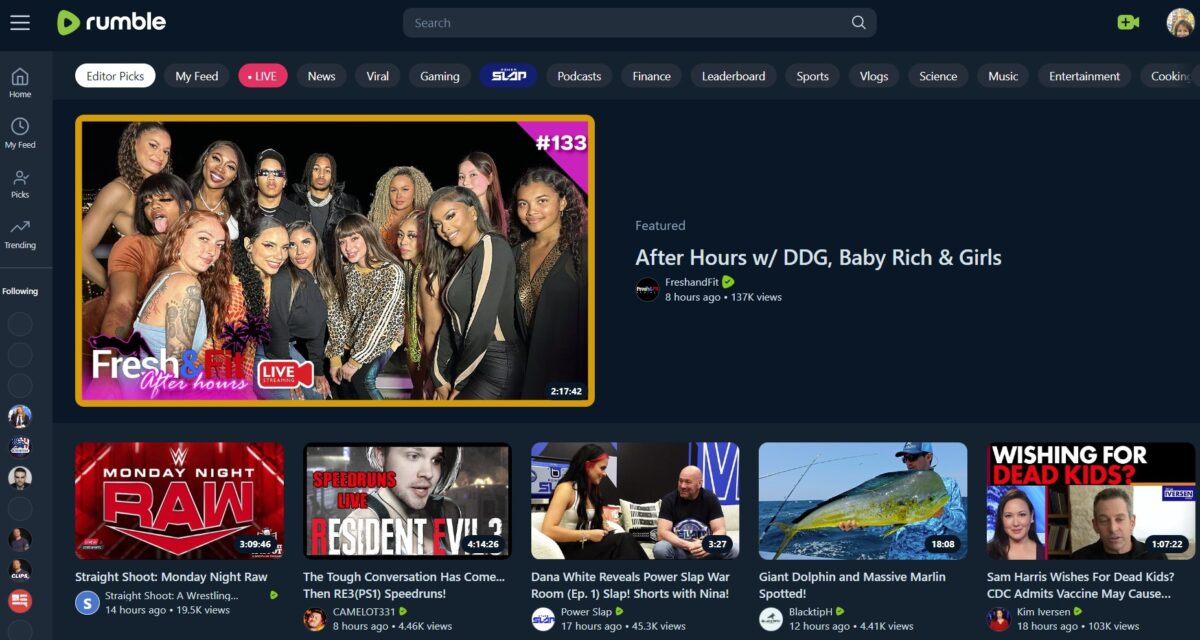
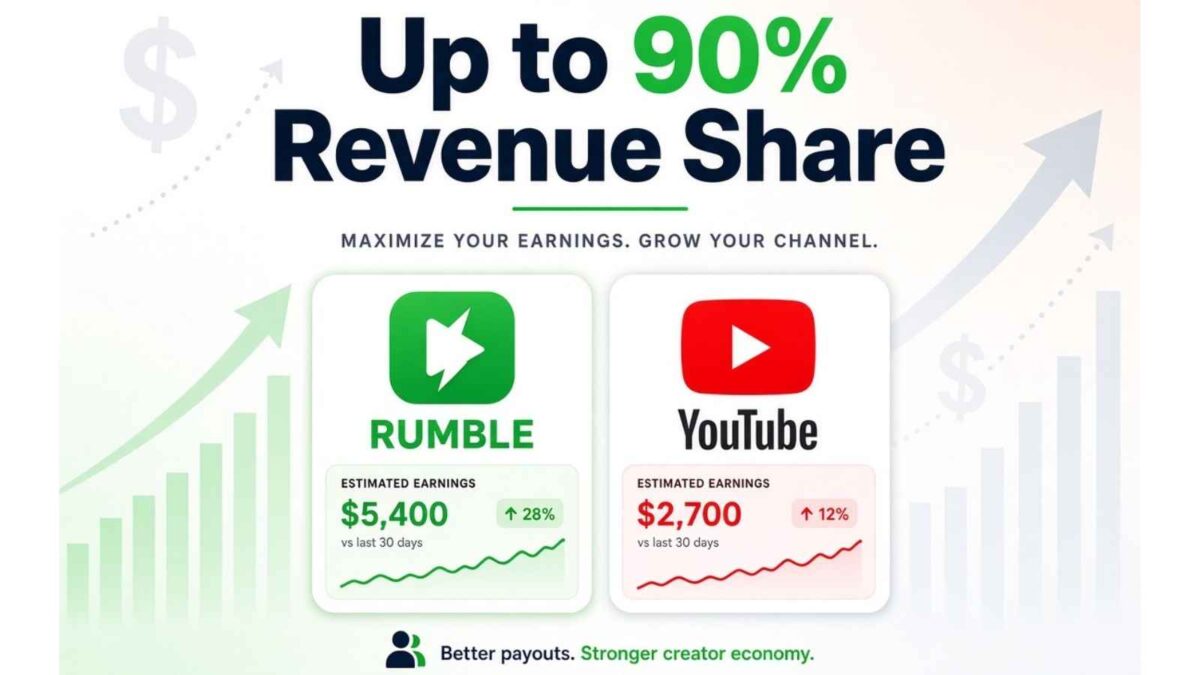
Rumble is still fine as a second home if you already publish there. It is not a substitute for the on-page transcript.
How Long Your Video Summaries Should Be
Aim for a video summary of 45 to 90 seconds on the post. Under 60 seconds for the Shorts cut.
Two minutes is the old ceiling, and it is too long for a summary. If the idea needs more than 90 seconds, it is a tutorial, not a summary. Link that longer video from the post instead of stuffing it at the top.
On-Page SEO Checklist
The embed is the easy part of a video summary. These are the pieces that keep the page useful after the update:
- Keep this URL. Do not change /video-summaries/.
- Add a one-line note at the top: updated October 2026.
- Put a plain-text transcript or a short bullet summary under the embed. Do not hide the answer inside the player.
- Use a unique video title and description. Do not paste the whole post into the YouTube description.
- Add the post URL in the YouTube description, and the YouTube URL on the post.
- Name the video file something readable before upload, such as video-summary-blog-posts.mp4.
- Add captions. Most people will watch with sound off.
- Use Rank Math’s video schema only if the video is the main asset. FAQ schema still fits the questions at the bottom.
- Compress the featured image. A huge thumbnail will not help Core Web Vitals.
- In Search Console, inspect the URL after you update it and request indexing.
- Don’t forget to add tags to your YouTube video.
If you want a deeper pass on rankings after the refresh, use the same checks as in “How to Improve Your Google Ranking.” The video does not replace those basics. It also gives you one more upload toward a stronger YouTube library.
Where To Share Your Video Summaries
Share the video summary where the post already has an audience.
| Place | Cut | Job |
|---|---|---|
| Blog post | 45–90 sec embed plus transcript | Answer the query and hold the visit |
| YouTube | Same clip, full description | Second indexed asset |
| Shorts and Reels | Under 60 sec, vertical | Discovery, then link in comments or bio |
| Cover image plus the post link | Saves and referral clicks | |
| Rumble | Same as YouTube if you already post there | Extra distribution, not the main SEO play |
More on the social side: Instagram video and how to leverage YouTube. If you are already repurposing posts across channels, fold the clip into your content strategy rather than treating it as a one-off.
Mistakes That Waste The Backlinks
- Changing the slug. Existing links would 404 or pass through a redirect you do not need.
- Swapping the topic so hard that “video summaries” no longer matches the page. Keep that phrase in the title, H1, and first paragraph.
- Leaving the 53x claim in. Outdated stats are a trust problem on a page other sites already link to.
- Sending readers to old tool roundups you do not control. Point tool mentions at your own reviews.
- Embedding a video and deleting the written answer. The page should still make sense with the player blocked.
A Script You Can Reuse
This video summary script fits most how-to posts. Here is a pattern that fits most how-to posts:
“If you only have a minute, here is the point. [One sentence answer.] You will need [tool or step]. First, [step]. Second, [step]. Third, [step]. The full walkthrough, with the checklist, is on the post. Link is under this video.”
Record that once, embed it under the introduction, and paste the same words as the transcript. That is the whole system. When done well, it adds real value to the post rather than another block of text.
Here is an example below from my friend Julie at New Horizons Media:
FAQs
A short video, usually under 90 seconds, that gives the main point of a blog post. The article still holds the full answer.
45 to 90 seconds on the post. Under 60 seconds if you are cutting it for Shorts or Reels. Two minutes is too long for a summary.
They can help the page if the video is relevant, captioned, and backed by text on the page. They are not a shortcut to page one. Ignore recycled stats that claim videos are “53 times” more likely to rank.
Write a 120-word script from the post, record it on your phone, add captions, and upload it to YouTube. Canva is fine for a simple branded version. Fliki is the faster option if you want a voiceover and stock clips from the script.
No. Use them on pillar posts and posts that already get traffic. A weak video on a thin post does not help either asset.
YouTube first, then embed that video on the post. Cut a vertical version for Shorts and Reels. Rumble is optional if you already use it.
Only for research notes. An AI summary of someone else’s video is not a video summary of your post. If you publish those notes, add your own examples and a clear source.

Enjoy this content? Help me show up more often in Google by adding Inspire To Thrive as a Preferred Source:


Yes fully agree about video summaries. They do take time but these days making them is so much fun I could never hire that part out. Love the comment to make a new one for a previous blog post. Great idea.
Hi Clive, yes, they do take time even with AI tools which is why from time to time I hire out. Julie from New Horizons Media 123, does a great job and is an affordable option. Thanks for coming by and have a great day Clive.
Hi Lisa,
As you know, I believe in creating video summaries for blog posts. Another reason to create video summaries is to re-purpose blog content visually. Do the work once, and re-purpose it using different formats.
Hi Julie oh yes, that’s a great way to update an old blog post too by adding a new video. It gives it more ways for readers to view information. Thanks for coming by Julie.