Instagram Tips: Boost Engagement & Grow Your Account in 2026

Instagram

Discover practical Instagram tips, growth strategies, caption ideas, algorithm updates, and troubleshooting guides to boost your reach, engagement, and results on IG. Latest advice from Inspire To Thrive.

Blogger using Instagram on a laptop beside a phone and desk accessories.

Instagram SEO Tips to Help Bloggers Get Discovered

Instagram SEO tips help your profile, captions, Reels, and hashtags show up when people search. In this post, you’ll learn how to choose the right keywords, optimize your profile and captions, use hashtags and alt text properly, and create content that gets discovered, so more people can find your blog. These tips are especially useful

Instagram SEO Tips to Help Bloggers Get Discovered Read More »

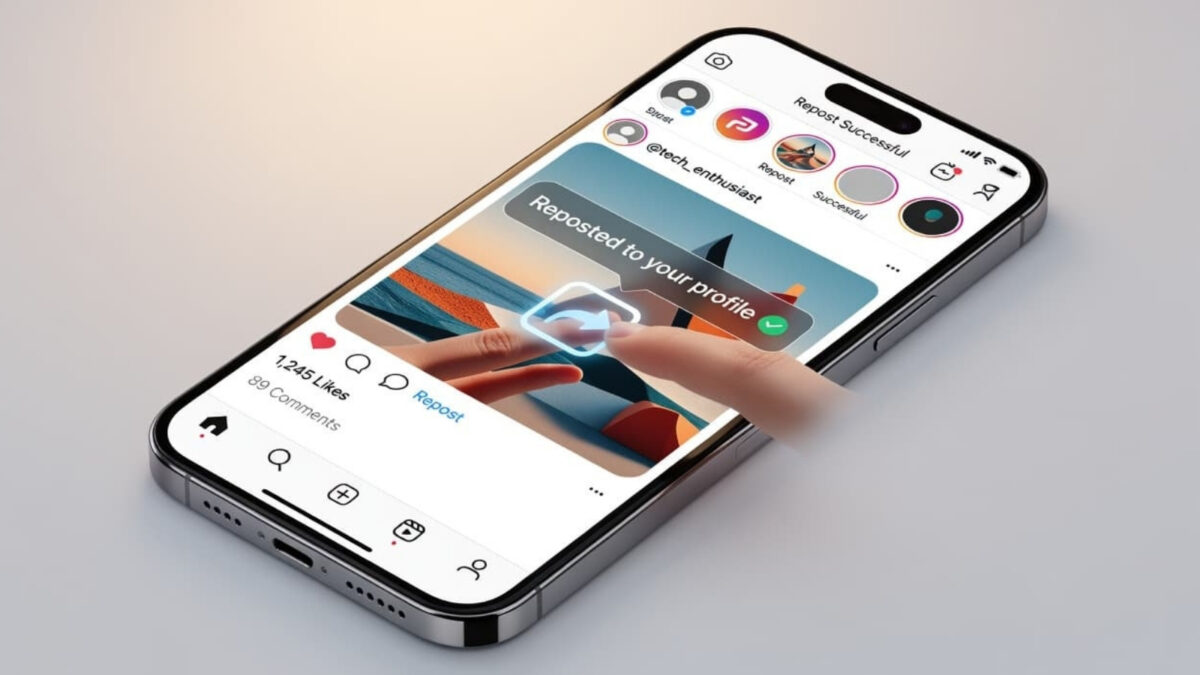
what happens when you use the Instagram repost feature

Instagram Repost Feature: What Happens When You Share?

The Instagram repost feature lets you share public posts and Reels directly to your profile with automatic credit to the original creator. The feature credits the original creator and adds the content to a Reposts tab on your profile. It may also be recommended to your followers, though this isn’t guaranteed. The button doesn’t appear

Instagram Repost Feature: What Happens When You Share? Read More »

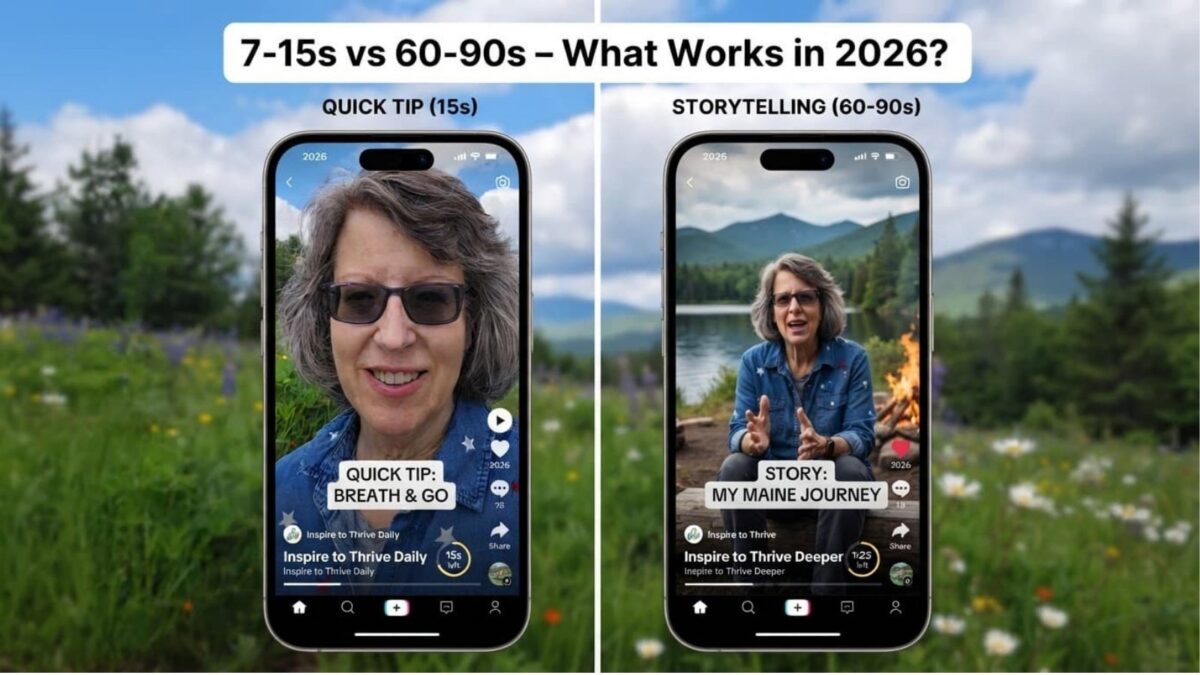
Instagram Reel length comparison 2026: 7-15 second quick tip vs 60-90 second storytelling Reel on mobile phones.

Instagram Reel Length 2026: Is 90 Seconds Too Long? Best Lengths, Limits & Testing Tips

Are 90-second Instagram Reels too long? Not necessarily. A 90-second Reel isn’t automatically a problem; the key is whether it holds attention and delivers value to your viewers. In 2026, Instagram lets you record and edit Reels up to 20 minutes. That is the technical ceiling, not the growth target. Reels over 3 minutes are

Instagram Reel Length 2026: Is 90 Seconds Too Long? Best Lengths, Limits & Testing Tips Read More »

8 Ways to Build a Traffic Pipeline from Instagram

How to Build a Traffic Pipeline from Instagram to Your Blog or Store

Instagram is one of the top traffic sources for bloggers, creators, and online business owners. Over 500 million active users turn to the social media platform to search for products and services. This presents an opportunity to leverage the platform to continuously build a traffic pipeline from Instagram to your blog, website, offer, or any

How to Build a Traffic Pipeline from Instagram to Your Blog or Store Read More »

Lisa choosing an Instagram tool from a mountain home office.

Instagram Tools Aren’t One-Size-Fits-All: Match the Tool to the Job

Searching for the “best” Instagram tool usually starts with the wrong question. A scheduler, an analytics dashboard, a caption helper, a public story viewer, and a follower tracker do not do the same job. Stack them on one list, and you end up comparing price and feature count instead of the task. I run Instagram

Instagram Tools Aren’t One-Size-Fits-All: Match the Tool to the Job Read More »

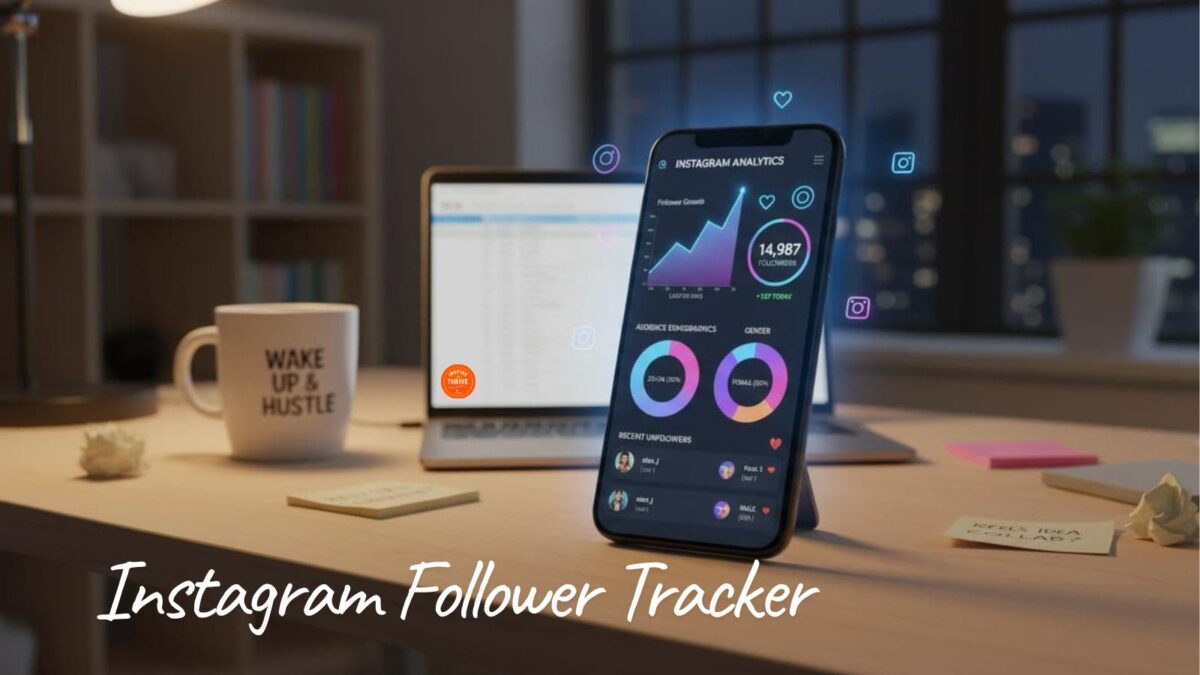
Instagram follower tracker on your mobile device or desktop

Dolphin Radar Review 2026: Instagram Follower Tracker (What I Saw After 2 Weeks)

I ran Dolphin Radar on a public Instagram account for two weeks in August 2026. The first useful report took about a week. I got new followers, unfollowers, and like activity. I did not get DMs, private accounts, or a list of who viewed the profile. That last part matters. Dolphin Radar is a weekly

Dolphin Radar Review 2026: Instagram Follower Tracker (What I Saw After 2 Weeks) Read More »

Eight browser tools for planning Instagram content — Fake Insta Post, Canva, Pexels, CapCut, Grammarly, Notion, Buffer, and Agorapulse — shown as colorful cards next to the headline “7 Useful Browser Tools for Planning Instagram Content.

8 Useful Browser Tools for Planning Instagram Content Before You Publish

Planning Instagram content in a browser is faster than bouncing between apps if you have the right tools. A design can look polished in Canva or Photoshop and still feel off once it lands in the actual Instagram feed. Captions that seemed fine in a doc can suddenly look too long. A carousel that worked

8 Useful Browser Tools for Planning Instagram Content Before You Publish Read More »

Google Search Console Insights showing 477 Instagram clicks in 28 days for @inspiretothrive_lisa

Google Sent 477 Clicks to My Instagram in 28 Days (Search Console)

I opened Google Search Console, switched to my Instagram property, and stared at the number. 477 clicks in the last 28 days.That’s a 424% increase. Almost all of it came from regular web search (470 clicks, up 434%). Video search added 4 clicks. Image search added 3. A few months ago I was celebrating about

Google Sent 477 Clicks to My Instagram in 28 Days (Search Console) Read More »

Phone and laptop showing how to copy an Instagram profile URL and QR code.

What Is My Instagram URL? How to Find and Copy Your Profile Link

Your Instagram URL is: Your Instagram URL is: https://www.instagram.com/yourusername Replace yourusername with your exact Instagram username. Do not add the @ symbol. That is the same address people type in a browser, paste in an email signature, or put on a business card. In the next few minutes, you will copy that link from the

What Is My Instagram URL? How to Find and Copy Your Profile Link Read More »

View Instagram posts anonymously — 5 public post types, Inspire To Thrive.

5 Types of Instagram Posts Users Want to View Anonymously

People who want to view Instagram posts anonymously are usually looking at public photos, carousels, Reels, older grid posts, or captions, not private accounts. This article covers five types of public Instagram posts I would check that way, and why each one is useful. It is not a guide to private accounts. Meta is clear

5 Types of Instagram Posts Users Want to View Anonymously Read More »

Scroll to Top