
People talk about your brand on X every day, without always using your @handle. Only a small percentage of mentions tag businesses directly, meaning you could miss valuable feedback, content ideas, leads, and reputation risks.
This Inspire To Thrive guide shows you how to track brand mentions on X (tagged, untagged, replies, hashtags, and more), set up manual searches, clean the data, measure what matters, analyze sentiment, respond effectively, and automate with the right tools. Perfect for solopreneurs and small teams on a budget.
Estimated reading time: 1 minute
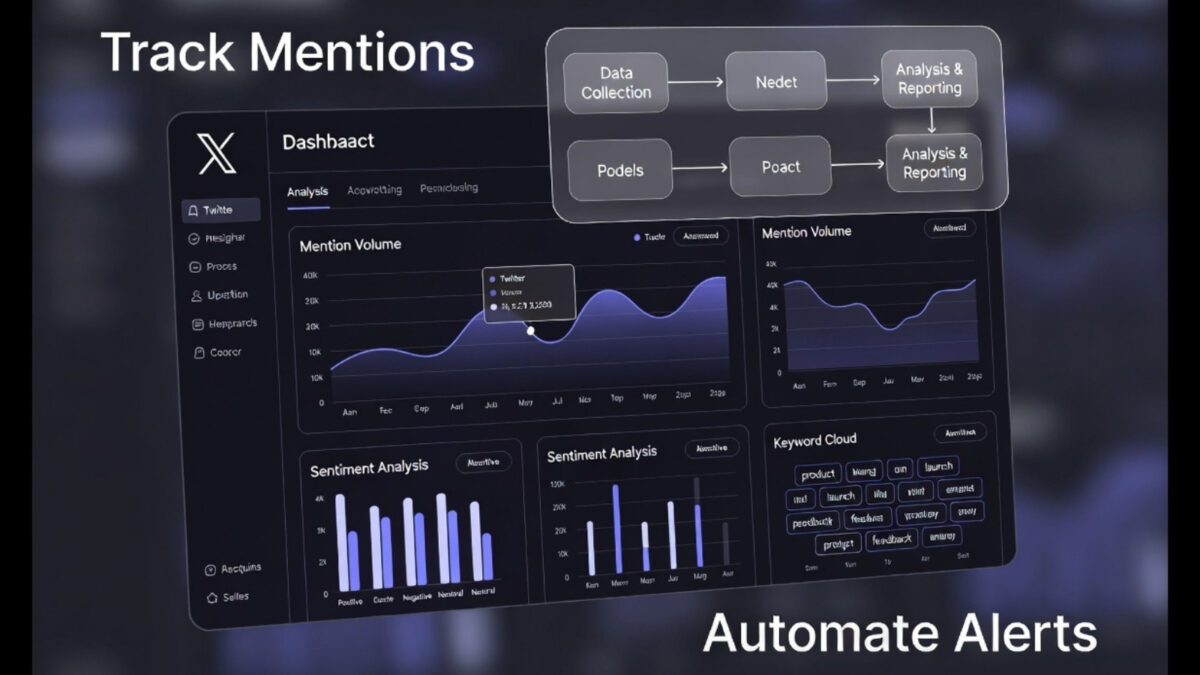
Table of Contents
What you’ll learn:
- Types of mentions and why untagged ones matter
- Free manual search methods
- Step-by-step workflow
- Key metrics and sentiment analysis
- Data cleaning tips
- Tool recommendations with comparison
- Response best practices and review schedule
What Are Brand Mentions on X?
Brand mentions include any reference to your business, products, or name. They fall into categories:
- Tagged mentions (@handle): Direct notifications when someone uses your @username.
- Replies: Responses to your posts or others’ that reference you.
- Plain-text (untagged) mentions: Brand or product name written without @.
- Hashtags: Branded (#YourBrand) or campaign hashtags.
- Retweets and quote posts: Amplify reach but should often be measured separately.
- Self-mentions: Your own X posts; exclude these for accurate external conversation data.
Most mentions are untagged, so relying only on notifications misses the full picture.
Why Track Brand Mentions on X?
Tracking helps you:
- Generate content ideas from real conversations.
- Find unlinked mentions for backlink outreach.
- Identify advocates and influencers.
- Manage reputation by catching negative issues early.
- Learn from competitors.
- Measure campaign success and ROI.
Quick Manual Search for X Mentions (No Tool Needed)
Start here for a free check:
Use X’s search bar or Advanced Search (twitter.com/explore):
- “Your Brand Name”
- @yourhandle
- #YourBrand
- “Your Brand” OR “Product Name”
- “Your Brand” -from:yourhandle (excludes your own posts)
- “Your Brand” lang:en since:2026-01-01 until:2026-01-31
- Other operators: filter:replies, min_faves:10, etc.
👉 Pro Tip: Manual search works for quick checks or low-volume brands. For ongoing monitoring, alerts, historical data, and analysis, use automation.
Step-by-Step Workflow for Tracking Mentions
- List keywords: brand names, products, handles, hashtags, misspellings, competitors.
- Run manual searches and note baseline.
- Set up automated monitoring and integrations (e.g., to email, Slack, spreadsheet).
- Apply filters (language, location, sentiment, post type).
- Clean data (see section below).
- Analyze metrics and sentiment weekly/monthly.
- Respond promptly and update keyword list as needed.
- Review trends quarterly.
How to Clean Mention Data
Reports often include noise. Exclude:
- Your own posts and retweets of them.
- Duplicates.
- Spam/bots (low engagement, suspicious accounts).
- Unrelated uses of the name (e.g., another person/product).
- Internal team posts.
Most tools let you filter by author, keywords, or post type. Export to a spreadsheet for manual review.
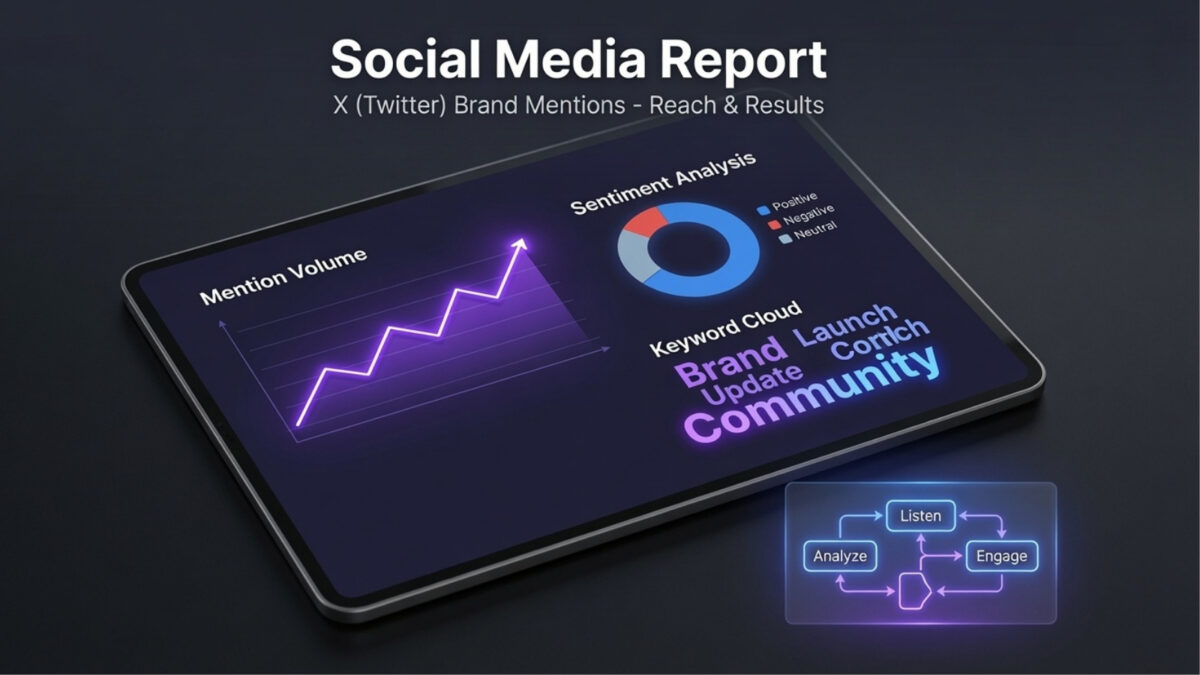
Key Metrics to Track
Don’t just count volume—measure impact:
- Mention volume: Total references.
- Unique authors: Different people talking.
- Reach & Impressions: Potential/actual views.
- Engagements: Likes, replies, reposts, clicks.
- Engagement rate: Context for interactions.
- Sentiment: Positive/negative/neutral.
- Share of voice: Vs. competitors.
- Response time: For support mentions.
- Conversions: Clicks to site, signups, etc.
A spike could be a campaign win, crisis, or spam.
Sentiment Analysis: Beyond Volume
Sentiment reveals how people feel:
- Positive: Praise, recommendations.
- Negative: Complaints, issues.
- Neutral: Factual references.
- Mixed/Sarcasm: Review manually; tools aren’t perfect.
Use tools for categorization, then spot-check important posts. Turn complaints into product ideas and praise into testimonials.
How to Respond to Mentions
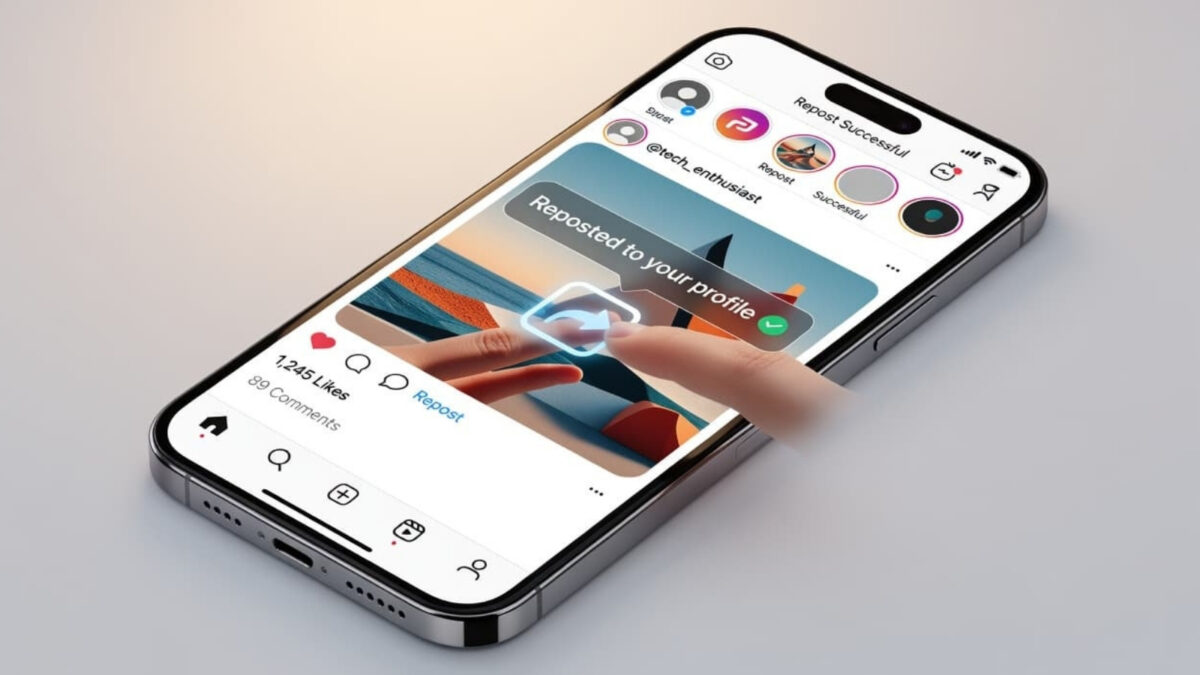
- Positive: Thank publicly and engage (e.g., repost with credit).
- Negative/Complaints: Respond quickly, move details to DMs, acknowledge without arguing, offer next steps. Record patterns for improvements.
- Customer service: Have a policy, escalate serious issues.
- Avoid generic auto-replies. Personal, authentic responses build trust.
Finding Influencers, Advocates, and Leads
Look for:
- Repeat mentioners with engaged audiences.
- Detailed experience-sharers (relevance > follower count).
- Experts using your keywords/hashtags.
- Conversation starters.
Tools with influencer filters help. Nurture relationships for partnerships.
Best Tools for X Brand Monitoring (2026 Comparison)
Here’s a comparison of practical options:
| Tool | Best For | Main Strength | Automation & Reporting | Limitations | Pricing (approx.) |
|---|---|---|---|---|---|
| Brand24 | Broad monitoring & alerts | Real-time alerts, sentiment, cross-platform | Email alerts, dashboards, exports | Data access varies | Starts ~$49/mo (check site) |
| Make + Levity AI | Custom workflows | No-code + AI categorization | Flexible integrations, Slack/email | Setup time | Make: Free tier + paid |
| Microsoft Power Automate | Microsoft 365 users | Integrates with Teams/Excel | Flows for CSV exports, notifications | X connector limits (BYO app) | Included in M365 |
| Quintly | Teams & detailed reporting | 500+ metrics, custom dashboards | Scheduled reports, benchmarking | Higher cost for small biz | Starts ~€300/mo |
| SocialBu | All-in-one management | Scheduling + monitoring | Insights, workflows, alerts | Confirm current X features | Check site for plans |
Recommendations for small businesses:
- Start manual or with free trials.
- Brand24 for alerts and listening.
- Make for custom AI workflows.
- Power Automate if you’re in the Microsoft ecosystem.
- Verify X API access, pricing, and features—platforms change often.
Free options: X Advanced Search, limited tool trials, basic alerts.
How Often to Review Data
- Daily: Urgent negative mentions/alerts.
- Weekly: Volume and high-priority items.
- Monthly: Sentiment, reach, trends.
- Quarterly: Deeper reports and competitor comparison.
- During campaigns: Real-time.
Next Steps
Create your keyword list today (brand, products, hashtags, misspellings). Run a manual search, then pick one tool to automate. Track volume, sentiment, and response time monthly to improve your presence on X.
Automating brand mentions saves time and turns conversations into opportunities. Start small, stay consistent, and engage authentically.
What challenges do you face with X mentions? Share in the comments below.
Frequently Asked Questions To Track Brand Mentions
Yes, use X search for basics.
Varies; some offer historical data on paid plans
Yes, with filters to exclude.
Most support CSV/Excel.
Add their names/handles as keywords.
Disclosure: This Inspire To Thrive blog post contains affiliate links. I may earn a commission from qualifying purchases at no extra cost to you. Some sections were drafted with AI tools and carefully reviewed/edited by me.
Comments are from previous years; the post was fully updated in July 2026 👇

- Best Instagram Story Viewers in 2026: Free Tools + Honest Limits - October 22, 2026
- Which Instagram Monitoring App Wins? EyeZy vs Peekviewer - October 20, 2026
- How to Use Social Media for the Best Black Friday Deals of 2026 - October 19, 2026
Enjoy this content? Help me show up more often in Google by adding Inspire To Thrive as a Preferred Source:


Smart post because that 91% number is spot on. Most do not tag not for a lack of etiquette on Twitter but because they do not know about tagging, think not of tagging or see no purpose in tagging. Few think of shining the Twitter spotlight on others in explicit fashion so your tips give bloggers a way to track these mentions, sans receiving a tag.
Thank you Ryan. Yes, especially newer bloggers. I love using Brand24 to find a lot of my mentions too. They cover all social media listening as well as for blogs. Thanks for coming by on this one Ryan. Make it a great day there.