How do you get one clickable link on a social profile and still need to send people to the blog, an email list, YouTube, and a recommendations page? That’s the job Linktree is supposed to do.
I asked on X a while back whether people even knew what it was. A lot didn’t. I also used to avoid it. Too many buttons, too easy for someone to tap the wrong thing and leave. I changed my mind once I used it on purpose — and I changed my mind again this year when Linktree pushed Shop in front of Links.
This is what Linktree is used for in 2026, how I have mine set up now, and when you should skip it and put your website in the bio instead.
Estimated reading time: 7 minutes
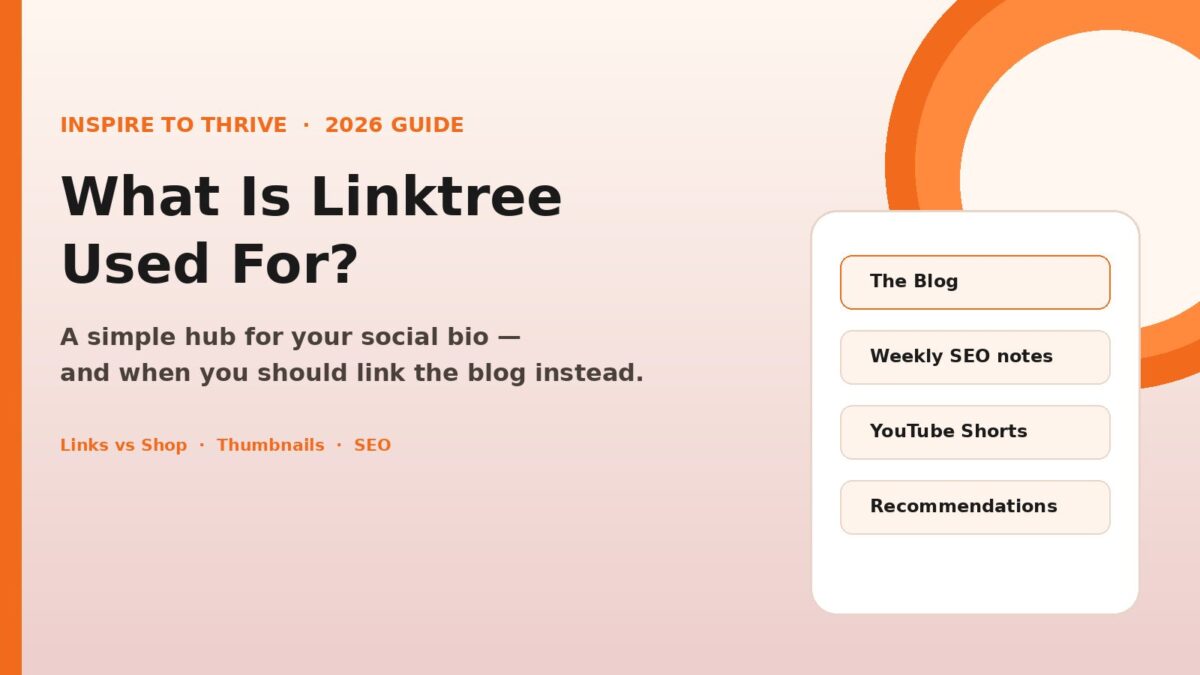
Table of Contents
Key Takeaways
- Linktree is a mini landing page. One URL holds several destinations.
- It helps on platforms that only give you one bio link (Instagram, TikTok, X).
- The new Shop tab is useful for affiliates. It should not be the first thing people see if your goal is the blog or email list.
- Linktree is convenient. It is not an SEO strategy. If the account is the business, link the site.
- Bloggers pointing to the latest posts, a lead magnet, and YouTube.
- Affiliates grouping offers without stuffing the bio.
- Local businesses sharing directions, bookings, and menus.
- Consultants putting a calendar, testimonials, and services in one place.
- Anyone running more than one property (blog + YouTube + email).
- Turned off Set Shop as main tab.
- Turned off Preview shop on Links page (so the product grid wasn’t sitting under the real links).
- Left the public page as Links only: Blog → email list → YouTube Shorts → Benable.
- In Linktree admin, open that link.
- Set the thumbnail yourself.
- Or delete the link and add it again (a ?v=2 on the end can force a fresh preview).
- Personal profile: Linktree. People know me there. They may want the blog, the list, a Short, or a recommendation list.
- Brand profile: the homepage. That account is the business card.
- Promote more than one thing from the same profile.
- Post on platforms with a single website field.
- Want click data without building a landing page.
- Only need to send people to the blog.
- Already have extra links on Instagram, and that’s enough.
- Are trying to build domain authority and every visit matters.
What Is Linktree and How Does It Work?
Linktree lets you share several links through one URL, usually linktr.ee/yourname.
You sign up, pick a username, add buttons (blog, YouTube, newsletter, shop, booking page), and put that one URL in your social bio.
That’s the whole product. No code. You change the buttons on Linktree instead of editing every profile.
Most platforms still limit you to one website field. X does. TikTok does. Instagram gives you more than it used to, but a lot of people still want one clean hub. Linktree is that hub.
What is Linktree used for?
Creators and small businesses use it to stop playing musical chairs with the bio link.
Common uses:
The benefit is speed. You update Linktree once. Every profile that uses that URL updates with it.
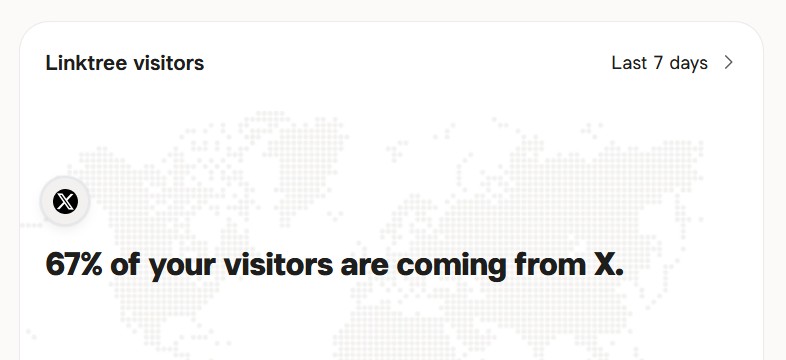
Analytics are the other reason people pay. You can see which button gets clicks and which network sent the visitor. On a paid plan, you get more history and better tracking.
I use the free plan to see whether X is actually sending clicks or just profile visits.
Links vs Shop: The setting that trips people up
Linktree now has two tabs on many profiles: Links and Shop.
Shop is fine for digital products and affiliate collections. The problem is a setting called Set Shop as main tab. If that’s on, anyone who taps your X website lands on products first.
That’s what happened on mine. The personal X profile points to Linktree. People were opening Shop, not the blog.
What I changed:
Shop can stay in the admin for later. It does not need to greet every visitor.
If you want Shop on purpose, share https://linktr.ee/yourname/shop. Don’t make every bio click go there.
Thumbnails get stuck (this one surprised me)
I updated my photo on Benable. Benable itself was fine. Linktree still showed the old picture on that button.
Linktree grabs a preview when you add the URL and keeps it. The other site can change. Linktree often does not.
Fix:
Don’t wait for it to “sync.” It usually won’t.
How I use Linktree vs a direct website link
I have two X profiles. They should not share the same destination.
If both bios go to the same URL, you’ve wasted one of them.
Same rule for Instagram and TikTok: use Linktree when you truly need a menu. If that account exists to grow the blog, put the blog in the bio and skip the extra tap.
Best practices that actually matter
1. Brand it.
Logo and colors so it looks like you, not a default template.
2. Put the money links first.
Blog and email before YouTube and before any store.
3. Use button labels that say the action.
“The Blog” and “Weekly social + SEO notes” beat “Click here.”
4. Keep the list short.
Four buttons is plenty. More than that and people tap nothing.
5. Check it the way a stranger will.
Open the URL in a private window after every change. Admin view lies.
6. Treat analytics as a weekly chore.
Move what people click. Cut what they ignore.
7. Don’t let Shop steal the first screen.
That’s a setting, not a mystery.
Does Linktree help SEO or AEO?
No. Not in any way you should count on.
Search engines want the click to land on your site. Linktree sits in the middle. You get the convenience. Your pages don’t get the visit, the engagement, or the clean path into AI overviews.
Use Linktree when the platform forces a single link, and you have several destinations. Use your own URL when the goal is rankings, preferred sources, or sending a reader into a post.
If you care about SEO, the bio on your main business account should point home.
Who should use it
Use Linktree if you:
Skip it if you:
I use it. I don’t worship it. It’s a tray for links, not the business.
Conclusion: Linktree For Your Links
Linktree solves the one-link problem. That’s it.
Set Links as the first view, keep Shop in its place, fix thumbnails by hand, and don’t put Linktree on every account just because you have an account.
When the profile is you, a short hub is useful. When the profile is the company, send people to the site.
I’d love to hear about your experience with LinkTree in the comments below.
FAQs
Linktree is a one-link hub. You put one URL in your Instagram, TikTok, or X bio, and that page holds several destinations — blog, email list, YouTube, booking, or offers. It’s for people who have more than one place to send a follower and only one website field.
Not if your goal is the blog or your email list. Linktree can open on Shop when “Set Shop as main tab” is on. I turned that off, hid the Shop preview on the Links page, and put Blog, weekly notes, YouTube, and Benable first. Use linktr.ee/yourname/shop when you actually want to send someone to products.
Linktree saves a preview when you add the link. The other site can change (Benable did), and Linktree often keeps the old image. Open that link in your admin and set the thumbnail yourself, or delete the link and add it again. Waiting for it to sync usually doesn’t work.
It doesn’t help your rankings. Clicks stop on Linktree first, so your own pages miss that visit. Use it when a platform only gives you one bio link, and you need a menu. On the account that represents the business, link your website. That’s the cleaner path for search and for AI overviews.
Disclosure: This Inspire To Thrive blog post contains affiliate links. I may earn a commission from qualifying purchases at no extra cost to you. Some sections were drafted with AI tools and carefully reviewed/edited by me.

- Social Media Lead Generation: Strategies for Success in 2026 - October 27, 2026
- How to Reset Your Facebook Feed in 2026 (No Magic Button) - October 27, 2026
- Website Bounce Rate: What It Means in 2026 (and How to Improve It) - October 26, 2026
Enjoy this content? Help me show up more often in Google by adding Inspire To Thrive as a Preferred Source: