Bloggers and the freelancers who work with them repeatedly face the same challenge: clients want custom illustrations on a tight budget. They expect a polished, professional look right away, yet very few local businesses can afford a dedicated illustrator.
So the question becomes practical. Can you actually build a cohesive brand system with pre-made assets, or do you have to commission everything custom?
After hearing about Icons8’s Ouch library on tight-deadline projects for several months, my answer is yes; pre-made assets work well when you know how to use them deliberately.
Estimated reading time: 5 minutes
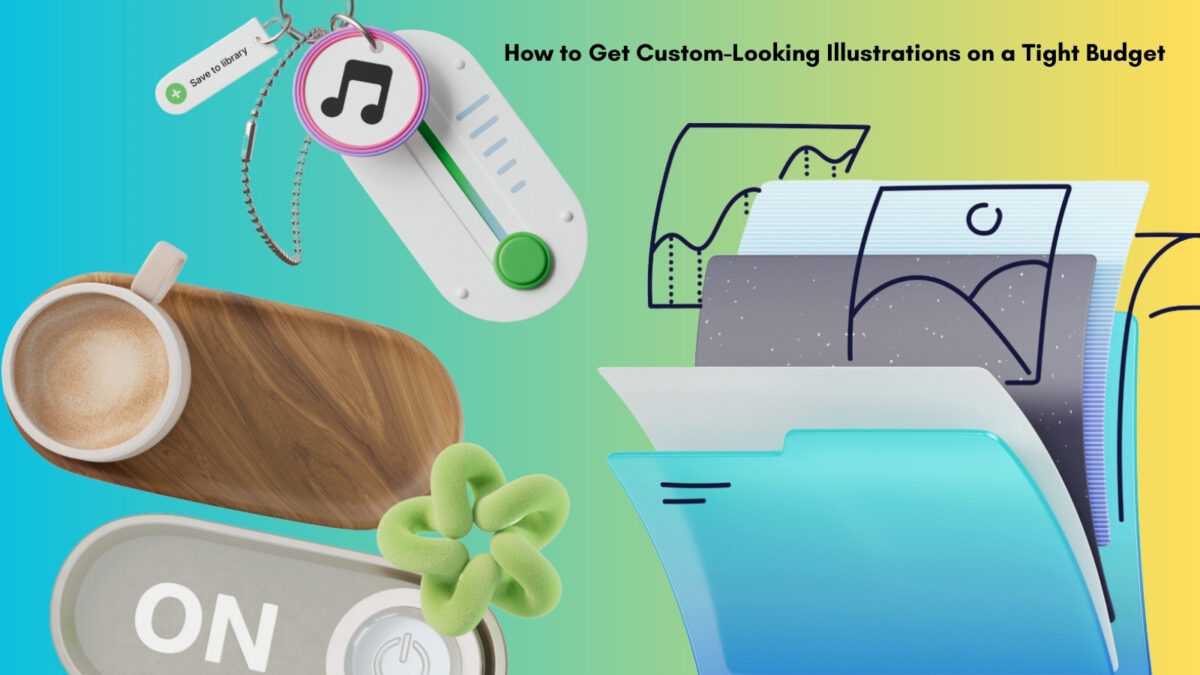
Table of Contents
Key Points To Know
- Pre-made illustration libraries can deliver a polished, custom-looking result when used strategically; you don’t always need to hire an illustrator.
- Consistency matters more than volume. Pick one illustration style at the start of a project and stick to it throughout the site and marketing materials.
- SVG files are better than free PNGs for client work. Paid plans remove attribution requirements and give you editable layers.
- AI image generators are fast but often struggle with style consistency and clear commercial licensing across a full set of assets.
- Know the limits: exclusive brand mascots, print-on-demand merchandise, and highly unusual concepts still require original custom work.
- Simple systems win: use the desktop app, take advantage of rollover credits, and keep assets organized so tight deadlines stay manageable.
What About AI Image Generators?
Plenty of people are turning to AI tools first these days. They’re fast, and the price is right. The problem shows up when you need consistency. One hero image can look perfect, but generating matching interior pages, empty states, error screens, or social graphics in the exact same style often fails.
I’ve seen this happen with a real estate client of mine. The logos never come out perfectly, and there is always something off.
Licensing can also get murky for commercial client work. A curated library like Ouch still solves the real-world need for a full, coherent set of assets you can actually use across an entire project without constant re-prompting or style drift.
The Reality of Fast Turnarounds
Picture a rainy Thursday morning. You’re finishing a high-energy landing page for a boutique fitness coach. Launch is Monday.
The copy and typography look strong, but the hero section still feels empty. Stock photography is too generic for their energetic brand.
Open the Pichon desktop app (it includes the full Ouch catalog, along with photos and icons). Filter for simple line styles, grab an athletic illustration, and drop the transparent PNG onto your canvas.
In about twenty minutes, the homepage has visual breaks that actually match the workout theme, and you stay on schedule and on budget.
Scenario One: Mapping Complete Application Flows
One strong homepage graphic is rarely enough. Free asset sites often leave you stuck: you find a great image, then discover the artist never created matching interior-page illustrations.
Ouch was built to solve that. It offers 101 illustration styles designed to cover full user journeys.
Imagine building a client portal for a regional accounting firm. You need an inviting login screen, a clear success message after uploading tax documents, an empty-state illustration for a new inbox, and a friendly 404 page.
Choose one of the 23,000 tech-focused assets in a clean monochrome style. Pull the needed illustrations in SVG format and shift the primary accent color to match the firm’s brand guidelines in a couple of clicks.
👉The result is a consistent visual language from login to logout.
Custom Illustrations on a Tight Budget: Weighing the Market Alternatives
Most designers already know the usual options:
- Freepik has huge volume but wildly inconsistent styles. Finding one good vector is easy; finding five more in the exact same look is hard.
- unDraw is clean and easy to recolor, but the single flat style gets repetitive if you’re launching multiple sites.
- Humaaans is excellent for mixing people, but stops there. Matching objects, backgrounds, or tech hardware is limited.
Ouch fills those gaps with distinct, fully developed styles (from surreal to sketchy), professional 3D models, and animated Lottie files.
Scenario Two: Generating Cohesive Marketing Materials
Clients eventually need matching social media and email assets. This is where layered vector libraries shine.
Find the exact style you used on the website. Instead of downloading a flat, unchangeable scene, open the free Mega Creator editor.
Pull a character, swap the coffee cup for a phone, rearrange the background, and export. You can build a custom newsletter header that matches the site in under ten minutes.
👉 Say your client needs a newsletter template matching their freshly launched site. Browse the illustration options and find the exact style from your homepage.
Where Off-the-Shelf Libraries Fall Short
Pre-made vectors aren’t the answer for every situation:
- Exclusive intellectual property (brand mascot, signature hero image) still needs original work.
- Print-on-demand merchandise usually requires separate commercial licensing.
- Highly unusual concepts (the flying toaster in a top hat) will force you to draw it yourself.
A real brand mascot is one of the clearest examples of this. Here’s my own mascot, Stella, in action:
Custom Illustrations on a Tight Budget: Fast Turnaround Reality
- Stick to SVG for final delivery. Free PNG files require attribution; most clients don’t want that on their site. Paid plans give you attribution-free SVGs with editable layers.
- Choose one style name at the start of the project and stay inside it. Mixing styles kills the custom-brand illusion.
- Take advantage of rollover credits. Unused downloads carry over, which helps when the next rush job hits.
- Use the desktop app to keep assets organized and drag them straight into your design software.
This approach won’t replace a custom illustrator for every project, but for the majority of small-business and freelance work with real budget constraints, it closes the gap cleanly. Have you used custom or AI illustrations for your blog or small business? I’d love to hear about it in the comments below. 👇
Disclosure: This Inspire To Thrive blog post contains affiliate links. I may earn a commission from qualifying purchases at no extra cost to you. Some sections were drafted with AI tools and carefully reviewed/edited by me.

- Which Instagram Monitoring App Wins? EyeZy vs Peekviewer - October 20, 2026
- How to Use Social Media for the Best Black Friday Deals of 2026 - October 19, 2026
- How to Identify and Prioritize Your Money Pages (And Why I Just Updated Mine in Link Whisper) - October 19, 2026
Enjoy this content? Help me show up more often in Google by adding Inspire To Thrive as a Preferred Source: