
Are you facing the frustration of a suspended Pinterest account and wondering how to appeal it and retrieve your pins? Dealing with a suspended account can be a stressful experience, but with the right approach, you can navigate through the appeal process. And then, potentially regain access to your account and pins.
In this blog post, I will guide you through the steps to appeal a suspended Pinterest account. I can guide you as I’ve had my pins suspended twice in the past 6 months.
A Pinterest suspension means Pinterest has limited or disabled your account or removed specific Pins for policy reasons.
Estimated reading time: 8 minutes
Table of Contents
Key Takeaways
- If Pinterest suspends your account or removes a Pin, read the suspension email carefully and use the appeal link provided (appeals are time-sensitive, often within 7 days).
- Review the Pinterest Community Guidelines first, then write your appeal addressing the specific policy issue (spam, adult content, or copyright).
- If Pinterest reinstates your Pin or account, check your boards to confirm what came back and what is still missing.
- If Pins are missing after reinstatement, verify you have usage rights for each Pin, then re-upload and update descriptions with clear keywords.
- To reduce future suspensions, follow Pinterest rules, avoid spammy tactics and automation, and post only original or properly credited content.
Understanding Why Your Suspended Pinterest Account Happened
If you’ve found yourself in the stressful situation of having your Pinterest account suspended or pins taken down, it’s essential to understand the reasons behind it. There are a few common violations that can lead to suspension, including:
Violation of Pinterest Guidelines
Pinterest has clear community guidelines in place to ensure a positive and respectful experience for all users.
Violating these guidelines, such as engaging in spammy behavior, posting inappropriate content, or using automated tools to inflate engagement, can result in account suspension.
Infringement of Copyrights or Intellectual Property
Pinterest takes intellectual property rights seriously. If you’ve share content that infringes on copyrights or intellectual property, whether it’s images, text, or other creative works, your account may be suspended.
It’s crucial to only share content that you have the rights to or that falls under fair use.
Understanding the specific reason for your account suspension can help you take the necessary steps to address the issue and appeal the suspension.
How to Appeal a Suspended Pinterest Account
If you find yourself in the frustrating situation of having your Pinterest account suspended, you’ll need to know how to navigate the appeal process.
By understanding Pinterest’s Community Guidelines, preparing a detailed appeal, and submitting it correctly, you can maximize your chances of reinstating your account and recovering your pins.
Here Are The Steps To Appeal Your Suspended Pinterest Account
- Open the Pinterest email.
- Note violation type.
- Review the policy page.
- Remove any violating Pins.
- Submit the appeal link.
- Wait for the email response from Pinterest.
Review Pinterest’s Community Guidelines
Before crafting your appeal if need be, thoroughly review Pinterest’s Community Guidelines to understand the platform’s policies and rules. Pay close attention to the specific reasons for account suspension outlined in the guidelines.
By familiarizing yourself with the rules, you can ensure that your appeal addresses the exact violation and demonstrates your commitment to compliance.
What The Pinterest Suspension Email Means
This is what I had received:
We recently removed a Pin from your board “All Twitter 24/7” for violation of our Community Guidelines on adult content. To see the Pin we removed, use this one-time link (please note, the link will expire after 7 days).
And if you think we’ve made a mistake, you can submit an appeal within 7 days. We remove or limit the distribution of mature and explicit content, including:
- Nudity
- Sexualized content, even if the people are clothed or partially clothed
- Graphic depictions of sexual activity in imagery or text
- Fetish imagery
These rules apply to all Pins, including ones on your secret boards. Please take some time to go through your Pins and remove any that may be in violation of our Community Guidelines.
Or we may take additional action on your account.If you think we’ve made a mistake, you can submit an appeal within 7 days. Thanks, The Pinterest Team
Submitting the Appeal
Click on the link they provide for you to appeal it. It comes in an email from Pinterest.
That’s it! You will be notified by email if your pin was reinstated.
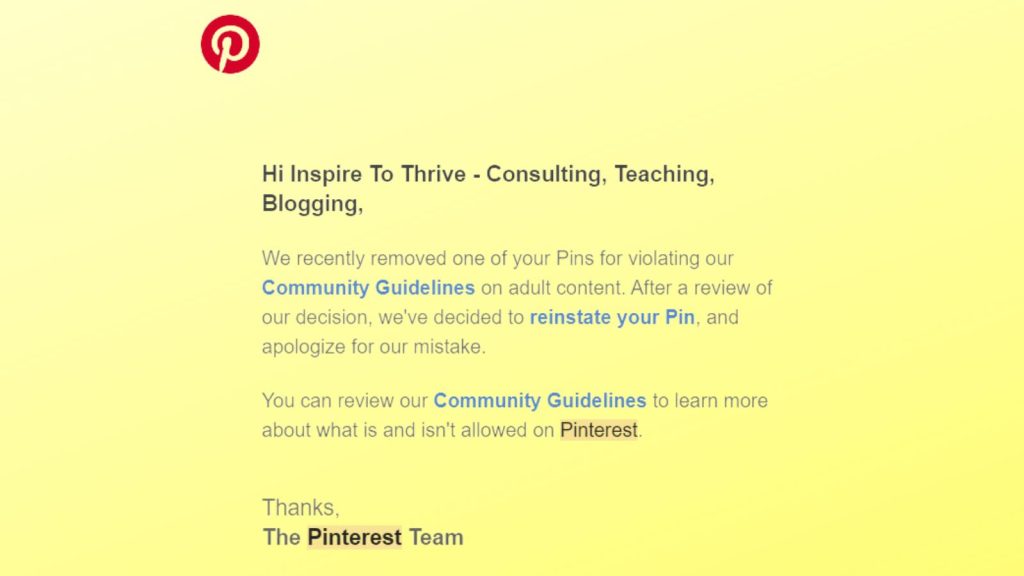
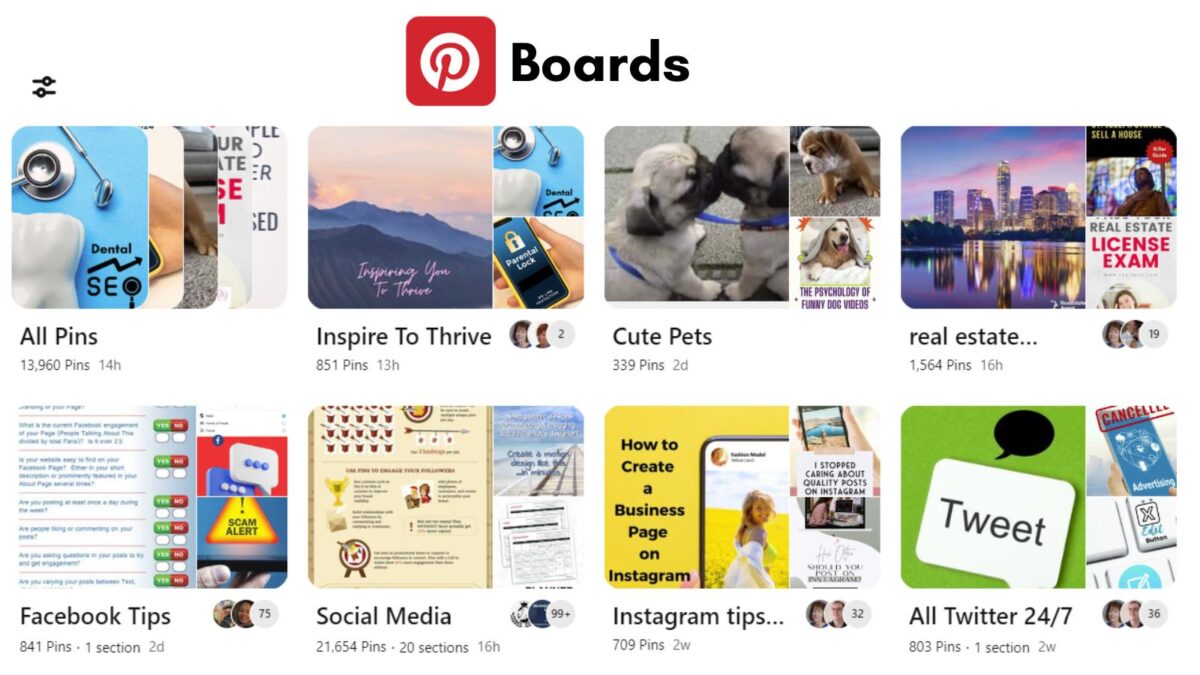
If your PIN was removed by mistake, it will be reinstated, as mine was recently. After looking at the suspended pin it had a big X on it for Twitter’s new name.
If Pinterest denies the appeal, the Pin usually stays removed from the social network.
Before You Appeal A Suspended Pinterest Account – Check This Safety List
Be sure to go through these steps before you appeak your suspended Pinterest account. This can ensure it will be easier to get your pins or account back from suspension.
- Remove any questionable Pins.
- Stop using automation tools.
- Confirm you own images or have licenses.
- Check board names and descriptions for policy issues.
How to Recover Your Pins After Account Reinstatement
Recovering your pins after successfully reinstating your Pinterest account is crucial to reestablishing your online presence on this visual social network.
Here are the steps to regain access to and restore your valuable pins:
Verifying Pin Ownership
- Login to your Pinterest account and navigate to your profile.
- Select the pins that were associated with your suspended account.
- Attempt to access the original content linked to those pins. Ensure that you have the necessary ownership or usage rights for each pin.
Re-uploading Pins if Necessary
- In case any of the pins seem to be missing or inaccessible, consider re-uploading them to your boards.
- Ensure that the pins comply with Pinterest’s guidelines and policies to prevent further account issues.
- Add detailed descriptions and relevant keywords to the re-uploaded pins to optimize their visibility and reach on Pinterest.
By following these steps, you can secure and restore your pins after successfully appealing the suspension of your Pinterest account. Always be sure your links work when re-uploading your pins.
Tips to Prevent Future Suspended Pinterest Account
Regularly Review Pinterest’s Guidelines
Regularly reviewing Pinterest’s guidelines is essential to ensure that you are complying with their policies. Stay updated on any changes or updates to the guidelines. Failure to adhere to these could lead to account suspension.
By making it a routine to review the guidelines, you can ensure that your account and content remain within the platform’s acceptable parameters, reducing the risk of suspension.
Use Original Content or Properly Credited Content
Creating and sharing original content or properly crediting content that is not your own is crucial for maintaining a healthy Pinterest account. Plagiarism and copyright infringement can result in account suspension.
Ensure that you have the right to use and share the content you post. If the content is from others, always give proper credit.
By doing so, you demonstrate respect for intellectual property and reduce the likelihood of facing suspension due to copyright issues.
Conclusion: Appealing A Suspended Pinterest Account
Appealing a suspended Pinterest account and retrieving your pins requires an understanding of Pinterest’s policies and a way to resolving the issue.
By following the steps outlined in this guide, you can increase your chances of reinstating your account and pins.
Remember to remain patient and persistent throughout the process. Timely and accurate communication with Pinterest support is crucial in achieving a positive outcome.
Lastly, don’t ignore emails from Pinterest as you want to drive leads from the platform soon again. They do send you an email if you have a pin no longer available or if your Pinterest account has been shut down.
Have you been through a Pinterest suspension?
Frequently Asked Questions About Appealing a Suspended Pinterest Account
Common reasons include violating Pinterest Community Guidelines (spammy behavior, inappropriate content, or using automation to inflate engagement) and copyright or intellectual property issues. Pinterest may also remove or limit the distribution of mature or explicit content, and repeated violations can lead to account actions.
Use the appeal link in the email Pinterest sends you. Before you submit the appeal, review Pinterest Community Guidelines and match your explanation to the specific reason listed in the email. After submitting, watch for the response by email.
Pinterest may require you to appeal within a set window listed in the email (the example in the article mentions 7 days). Check your message right away so you do not miss the deadline.
Pinterest notifies you by email if your Pin or account is reinstated. If the appeal is denied, your PIN may stay removed, and you may not be able to recover it through the same appeal path.
Log in, review the boards and Pins tied to the suspension, and confirm you have the rights to use each image and link. If some Pins are missing or inaccessible, re-upload them, make sure they follow Pinterest policies, then add clear descriptions and relevant keywords.

- Which Instagram Monitoring App Wins? EyeZy vs Peekviewer - October 20, 2026
- How to Use Social Media for the Best Black Friday Deals of 2026 - October 19, 2026
- How to Identify and Prioritize Your Money Pages (And Why I Just Updated Mine in Link Whisper) - October 19, 2026
Enjoy this content? Help me show up more often in Google by adding Inspire To Thrive as a Preferred Source:


Hello, Lisa,
I have been using Pinterest for the past few years. It’s a good medium to get traffic. However, My account didn’t get suspended. I think people need to comply with their usage policies. You have shared helpful tips to recover a suspended Pinterest account.
Regards,
Vishwajeet
I thought I did Vishwajeet, I explained how to to file an appeal to get it back as I had 3x now. Let me know what you think I was missing, thanks Vishwajeet.