Running a small business means wearing many hats, and consistent social media posting often falls to the bottom of the list, until you realize it’s key to growth. A good content calendar service changes that.
It helps you plan, maintain a steady posting rhythm, align content with your overall strategy, and free up time for what matters most: serving customers and growing your business.
In 2026, the best tools combine visual calendars, AI assistance, evergreen recycling, analytics, and easy scheduling across platforms like Instagram, Facebook, LinkedIn, TikTok, and more.
As someone who’s helped dozens of small businesses improve their social presence, I’ve tested and researched these tools so you don’t have to.
This guide compares 11 strong options for small businesses and bloggers, with clear pros, cons, pricing (as of 2026), and who each is best for.
Estimated reading time: 6 minutes
Table of Contents
Selection Criteria
I evaluated these tools based on what matters most for small business owners and marketers:
- Ease of use — Intuitive for non-tech users and small teams.
- Affordable pricing — Free tiers or low entry costs.
- Social media integrations & scheduling — Auto-publishing and multi-platform support.
- Strategy planning features — Visual calendars, recycling, categories, and AI help.
- Collaboration & approvals — For teams or client work.
- Analytics — To measure what drives growth.
- Consistent posting support — Queues, reminders, and evergreen tools.
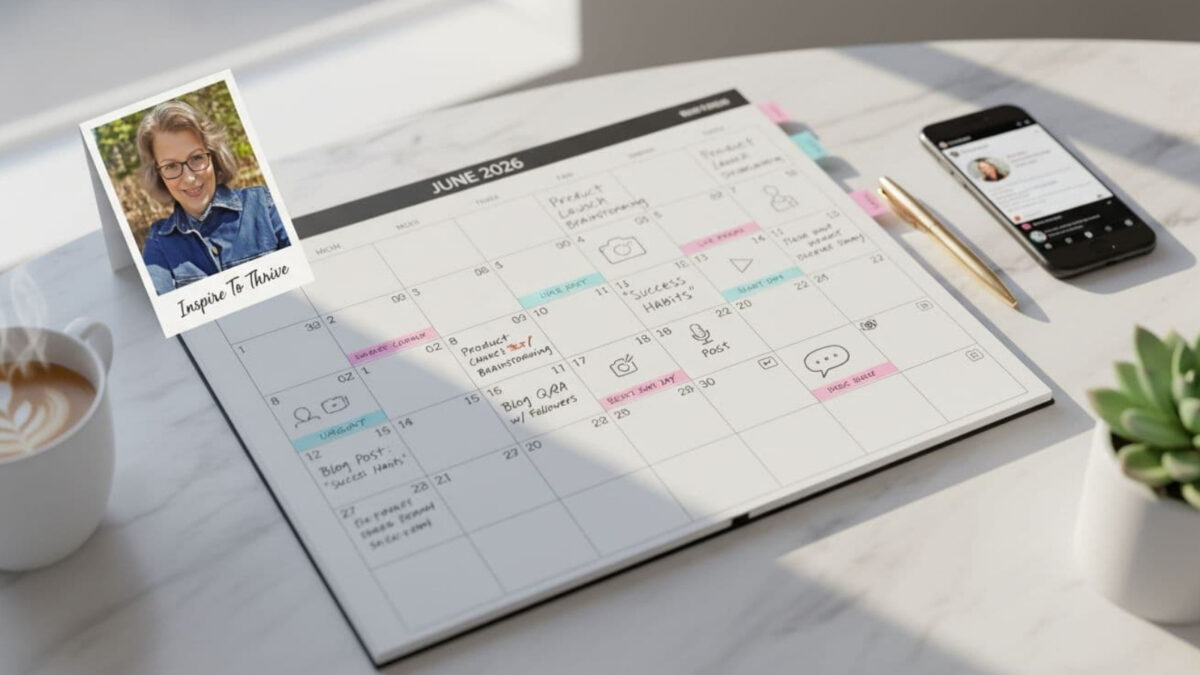
Quick Comparison Table
| Tool | Best For | Starting Price (2026) | Key Strengths | Free Tier? |
|---|---|---|---|---|
| Buffer | Beginners & simple, consistent posting | $6/channel/mo | Easy queues, analytics, best-time suggestions | Yes |
| Agorapulse | Engagement + unified calendar | $79/user/mo | Shared calendars, inbox, and collaboration | Limited |
| Missing Lettr/OOB | Blog-to-social drip campaigns | $15–19/mo (Solo) | Evergreen recycling, auto-campaigns from content | Yes |
| Canva | Visual content creation + planning | Canva Pro ~$15/user/mo | Built-in Content Planner, design-to-schedule | Limited (Pro needed for full scheduling) |
| Hootsuite | All-in-one established teams | $99/mo | Bulk scheduling, inbox | Limited |
| Sprout Social | Strategy + deep analytics | $199/seat/mo | AI scheduling, robust reporting | Trial |
| CoSchedule | Unified marketing calendar | $24–29/mo | Blog + social integration | Trial |
| SocialBee | Evergreen recycling & categories | $29/mo | AI Copilot, smart queues | Trial |
| Later | Visual platforms (IG/TikTok) | $25/mo | Grid planning, media library | Limited |
| Planable | Team approvals & collaboration | ~$26–33/mo | Previews, client feedback | Limited |
| Airtable | Custom flexible workflows | Free tier / paid from ~$20 | Database-style customization | Yes |
1. Buffer – Best for Simplicity and Consistent Posting
Buffer is still one of the easiest tools for small businesses and bloggers. Its clean calendar and queuing system help maintain regular posting without complexity.
Pros: Affordable, great free plan, simple analytics.
Cons: Limited advanced collaboration.
Best for: Solo owners or tiny teams.
I still use Buffer from time to time for quick sharing of my own content.
2. Agorapulse – Strong for Engagement and Shared Calendars
Agorapulse offers a unified content calendar with collaboration features such as shared views, task assignment, and a robust social inbox.
Pros: Excellent for managing comments and team workflows.
Cons: Per-user pricing can add up for larger teams.
Best for: Small businesses and bloggers focused on engagement and organized planning.
I use this social media calendar and other tools for all my client work to schedule content, respond to comments, and produce monthly social analytics reports.
3. Missing Lettr
They are no longer in business! I miss this tool but it’s now gone.
4. Canva – Best for Visual Design + Built-in Planning
Canva’s Content Planner lets you design beautiful posts and schedule them directly from the platform—perfect for visual-first small businesses.
Pros: Seamless design-to-publish workflow, calendar view.
Cons: Full scheduling requires Canva Pro; lighter on advanced analytics.
Best for: Brands that produce a lot of graphics and want everything in a single visual tool.
Recently, I was on a webinar with RE/REMAX as Canva began a partnership with the company, allowing all agents to use their listings and more with Canva to produce high-quality social media content and manage their calendars.
5. SocialBee – Best for Evergreen Content Recycling
Category-based scheduling and AI help you efficiently fill your calendar and strategically reuse content.
Pros: AI Copilot for strategy planning, smart recycling.
Best for: Businesses wanting consistent posting with less new content creation.
6. Pallyy – Top Visual Drag-and-Drop Calendar
Intuitive drag-and-drop with grid previews; perfect for Instagram and visual brands.
Pros: Beautiful UI, media library integration.
Best for: Creators and brands focused on aesthetics.
7. Later – Visual-First Planning
Strong media library and grid view for planning your feed’s look.
Best for: Instagram- and TikTok-heavy small businesses.
8. Planable – Excellent for Team Approvals
Streamlined collaboration with previews and client feedback loops.
Best for: Small teams or agencies working with clients.
9. Airtable – Most Flexible/Customizable
Build exactly the calendar you need with database power, multiple views, and links to other workflows.
Best for: Businesses that want full customization.
10. Metricool – Analytics-Focused Budget Option
Great balance of planning, scheduling, and performance tracking with competitor insights.
Best for: Data-minded small business marketers.
11. Trello or Asana – Lightweight & Free-Friendly
Use boards or calendar views for simple content planning when you don’t need heavy social auto-publishing.
Best for: Ultra-budget or project-style planning.
Selection Criteria for Content Calendar Services
I evaluated these tools based on what matters most for small business owners and marketers:
- Ease of use — Intuitive for non-tech users and small teams.
- Affordable pricing — Free tiers or low entry costs.
- Social media integrations & scheduling — Auto-publishing and multi-platform support.
- Strategy planning features — Visual calendars, recycling, categories, and AI help.
- Collaboration & approvals — For teams or client work.
- Analytics — To measure what drives growth.
- Consistent posting support — Queues, reminders, and evergreen tools.
How to Choose the Right One for Your Small Business
- A good content calendar service changes that. It helps you plan, maintain a steady posting rhythm, and align content with your overall strategy.
- They should also free up time for what matters most: serving customers and growing your business. In 2026, the best tools combine visual calendars, AI assistance, evergreen recycling, and easy multi-platform scheduling.
- I particularly recommend Buffer for simplicity, Agorapulse for strong engagement and team collaboration, and their new Archie AI for turning your existing blog content into automated social drip campaigns with smart recycling.
- These three, along with Canva’s visual planner, have worked especially well for the small businesses I’ve helped.
- Test 2–3 with free trials. Focus on tools that support your social media strategy planning without adding complexity.
Tips for Consistent Social Media Posting & Growth
Tie your calendar to your broader content marketing strategy. Batch content creation, use templates, review analytics monthly, and recycle high-performers.
Free Alternatives to Get Started
Google Sheets templates, Notion databases, or basic Trello boards work well while you evaluate paid options.
Conclusion: Content Calendar Services
The right content calendar service turns sporadic posting into a reliable system that drives online growth for small businesses. Consistency compounds; pick one, commit, and watch your engagement grow.
Which tool are you leaning toward, or what’s your biggest challenge with social media planning? Share in the comments!
Disclosure: This Inspire To Thrive blog post contains affiliate links. I may earn a commission from qualifying purchases at no extra cost to you. Some sections were drafted with AI tools and carefully reviewed/edited by me.

- Best Instagram Story Viewers in 2026: Free Tools + Honest Limits - October 22, 2026
- Which Instagram Monitoring App Wins? EyeZy vs Peekviewer - October 20, 2026
- How to Use Social Media for the Best Black Friday Deals of 2026 - October 19, 2026
Enjoy this content? Help me show up more often in Google by adding Inspire To Thrive as a Preferred Source: