Looking for a free Twitter viewer that lets you check X profiles and posts without logging in? You’re not alone. Millions of people search for a Twitter viewer every month to browse anonymously for research, curiosity, competitor analysis, or privacy.
In this Inspire To Thrive guide, you’ll find the best working free Twitter viewers in 2026 that let you view profiles, posts, edited posts, photos, and videos without an account.
Estimated reading time: 5 minutes
Table of Contents
Key Takeaways
- Free anonymous viewing is easy: You no longer need an X account to browse public profiles and posts.
- TweetGrok and Twitter Web Viewer are currently the best options for most users due to speed and reliability.
- These tools work great for public accounts only: private accounts cannot be viewed without permission.
- Always use these tools responsibly and respect people’s privacy.
- For deeper monitoring of private activity (with consent), paid solutions like uMobix or mSpy are available below.
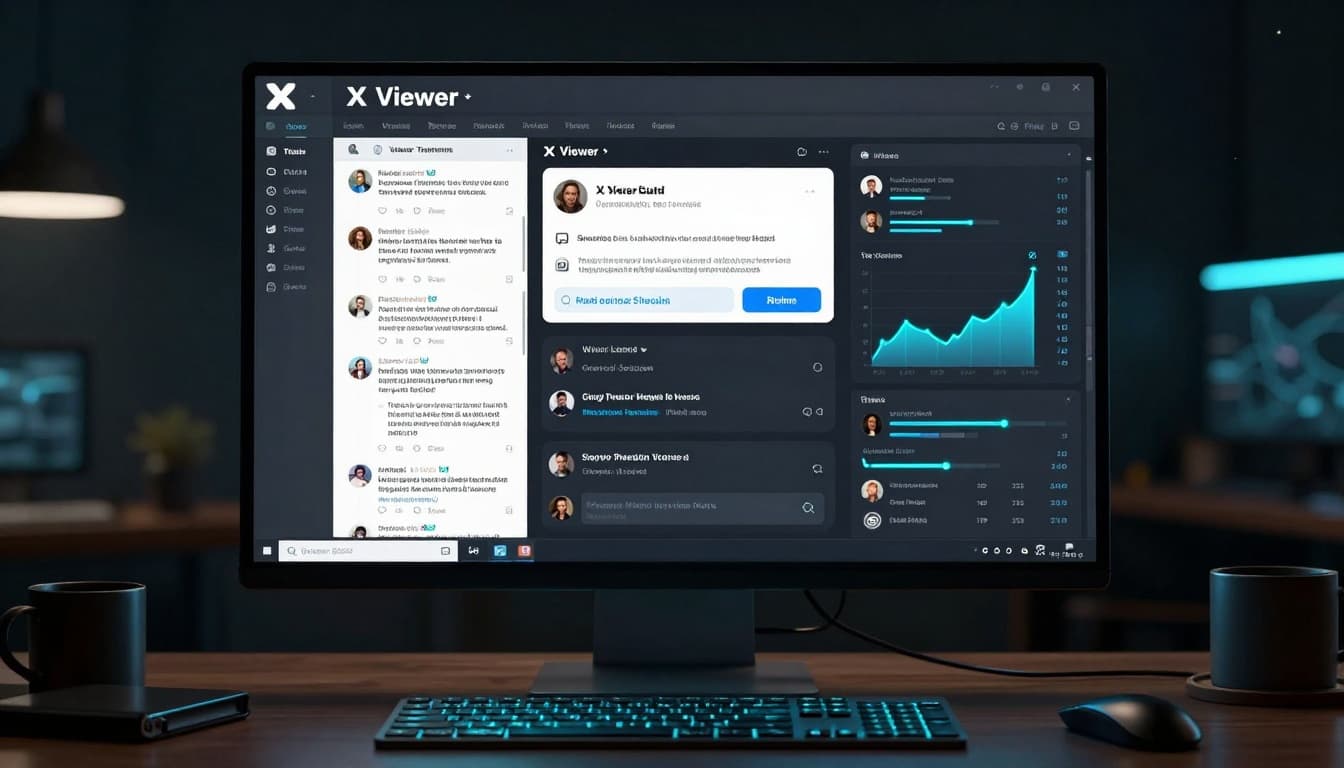
Why Use a Twitter Viewer?
- View public profiles even if you’re blocked or in X jail.
- Download videos and media easily.
- Bypass login walls and rate limits.
- Great for researchers, marketers, parents, and casual users.
Best Free Twitter Viewers in 2026
Here are the top tools that are actually working right now:
| Tool | Best For | Key Features | Free? | Link |
|---|---|---|---|---|
| TweetGrok | Speed & clean interface | Fast loading, ad-free, profiles & threads | Completely Free | tweetgrok.ai/twitter-viewer |
| Twitter Web Viewer | General use | Profiles, media downloads, search | Free | twitterwebviewer.com |
| Twillot | Media downloads | Videos, images, engagement metrics | Free tier | twillot.com |
| Snaplytics | Power users | Multiple viewing modes, analytics | Free | snaplytics.io |
| ArchivlyX | Privacy-focused | Anonymous browsing + downloads | Free | archivlyx.com |
Pro Tip: Start with TweetGrok or Twitter Web Viewer; they’re the fastest and most reliable right now.
Free Twitter Viewers vs. Parental Monitoring Tools
| Need | Free Twitter Viewers | Parental Monitoring Tools (uMobix / mSpy) |
|---|---|---|
| View public X profiles & posts | Yes | Not their focus |
| See private messages, deleted content, or full activity | No | Yes (on a device you own) |
| Location history & real-time tracking | No | Yes |
| Works without installing anything on a phone | Yes | No – requires installation on the target device |
| Best for | Quick anonymous public viewing | Parents who need deeper visibility into a child’s device activity |
Bottom line: Free viewers are perfect for public content. If you’re a parent who needs more insight into a device you own (with proper consent), tools like uMobix and mSpy are designed for that purpose.
→ See uMobix parental options → See mSpy parental monitoring
How to Use a Twitter Viewer (Step-by-Step)
- Go to one of the tools above.
- Enter a username (e.g., @elonmusk) or paste a tweet link.
- Hit “View Profile” or “Search”.
- Browse freely, no login needed!
Most tools also let you view threads, replies, and download videos directly.
Important Limitations
- These tools only work for public accounts. Private accounts remain private.
- Features can change quickly because X frequently updates their platform.
- Always respect people’s privacy and X’s terms of service.
Need more than public posts? Free Twitter viewers only show what’s already public.
If you’re a parent who needs to see private messages, deleted content, location history, or full social activity on a device you own (with proper consent), tools like uMobix and mSpy go further. They install on the phone and give real visibility beyond public profiles.
→ See uMobix parental options → See mSpy parental monitoring
Only use with proper consent and in line with local laws.
Slightly broader but still accurate version:
Free viewers stop at public content. Parents who need real visibility into private activity (messages, location, deleted content) on a device they own often use dedicated monitoring software.
Advanced: Paid Monitoring Tools (For Parents & Businesses)
If you need to monitor someone’s private activity (with consent), tools like Twitter viewer or mSpy offer more advanced tracking features (keylogging, screenshots, full message history, etc.).
These are not simple viewers; they require installation on the target device.
Use these responsibly and only for legitimate parental or employee monitoring purposes.

Conclusion
Free Twitter viewers are excellent when you just need to check public profiles, posts, or media without logging in. They solve the exact problem most people search for.
If you’re a parent who needs deeper visibility into a device you own, private messages, deleted content, location history, or overall activity, then tools like uMobix and mSpy are built for that purpose. Just remember they require installation on the device and should only be used with proper consent and in line with the law.
Start with the free options first. Only move to monitoring tools if your needs go beyond public content.
Frequently Asked Questions
No. No legitimate tool can view truly private accounts without the owner’s permission.
Yes, the reputable ones listed above are safe. Use a good VPN for extra privacy.
Viewing public content is legal. Respect privacy laws in your country.
Disclosure: This Inspire To Thrive blog post contains affiliate links. I may earn a commission from qualifying purchases at no extra cost to you. Some sections were drafted with AI tools and carefully reviewed/edited by me.

- Free Twitter Viewer 2026 | View X Profiles & Posts Without an Account - July 28, 2026
- PeekViewer Review 2026: Features, Pricing, Privacy & Limitations - July 27, 2026
- Do YouTube Tags Still Work in 2026? Where They Still Fit - July 27, 2026