Instagram just jumped from your phone to your living room. You may be wondering how to watch Instagram reels on TV.
With Instagram Reels on TV via the new Instagram for TV app, short videos are played on smart TVs, streaming sticks, and Amazon Fire TV.
Instead of hunching over a tiny screen, you will be able to scroll Reels with a remote and watch together on the couch. That is a big shift for how we discover creators, brands, and trends.
Meta explained that the app groups Reels into easy channels so anyone can lean back and indulge in short clips on the big screen, not just on their phone, in its announcement for Instagram for TV.
This post will help you decide if you actually want your own Reels on TV and how to watch Instagram Reels on TV. I will walk through what the feature is, how it works, plus clear pros and cons for creators, small business owners, and everyday users.
Estimated reading time: 11 minutes
Table of Contents
Key Takeaways on The Big Screen
- Instagram reels on TV allows users to watch short videos on larger screens, starting with Amazon Fire TV in late 2025.
- The app features themed channels that group Reels by topics, making it easy to binge content without uploading new videos.
- Public Reels from any Instagram account can appear on TV, increasing visibility for brands and creators.
- While Instagram Reels on TV can enhance reach, they also raise privacy concerns and require attention to content quality.
- Creators should assess which Reels are suitable for public display and consider quality factors before showcasing them on TV.
What Does It Mean To Have Your Instagram Reels On TV?
Instagram for TV is a separate app for connected TVs and streaming devices. It focuses on short Reels, not long videos. You open it on your TV, sign in or link an Instagram account, then watch a stream of Reels that match your interests.
However, you do not upload anything new to the TV app. You still post Reels from your phone just like you do now.
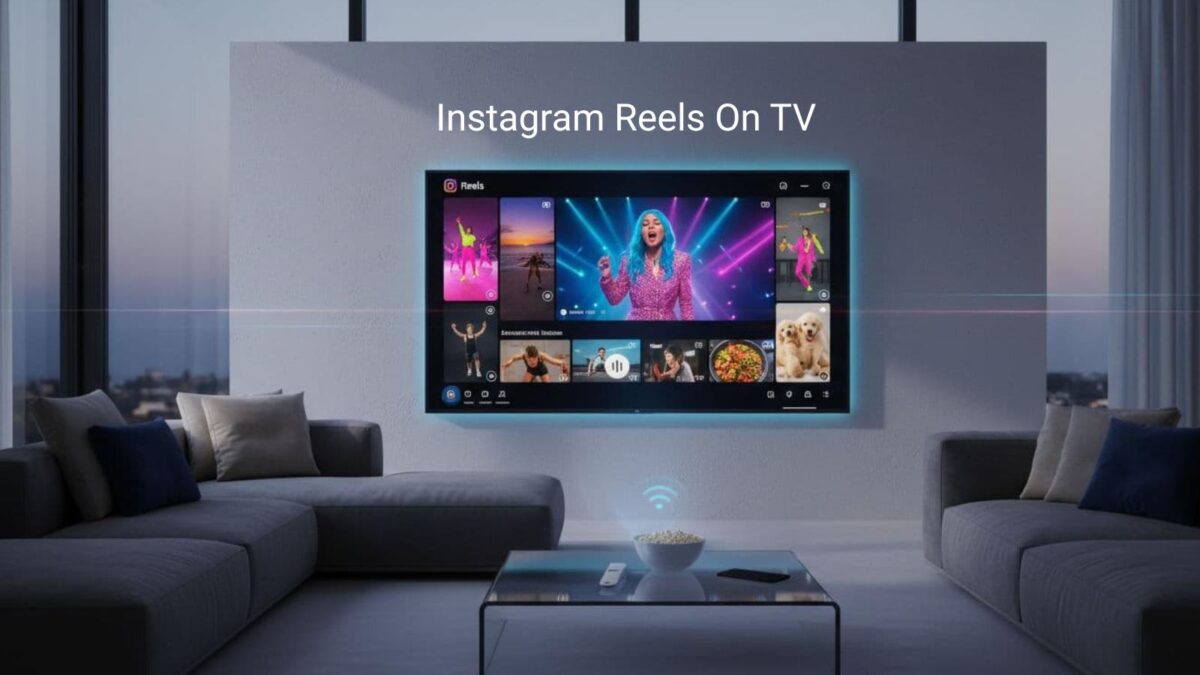
The TV app simply pulls public Reels from Instagram and plays them in themed channels, such as:
- Sports highlights and Sports case studies.
- New music.
- Travel clips.
- Trending moments.
Right now, Instagram for TV is rolling out first on Amazon Fire TV devices, as Amazon confirmed in its launch post. Instagram says more smart TVs and regions will follow, but that will happen in stages.
So before you weigh the pros and cons, keep this in mind: if your Reels are public, they can be featured in these channels and appear on TVs where the app is installed.
How Instagram Reels Show Up On TV
On TV, Reels are grouped into channels rather than presented as a single long feed. Viewers can hop into a topic they like, for example:
- New music and dance.
- Sports clips and highlights.
- Travel inspiration.
- Food and recipes.
Within each channel, Instagram shows Reels that fit that topic and seem engaging. Popular Reels and content that people watch, like, or share tend to appear more often.
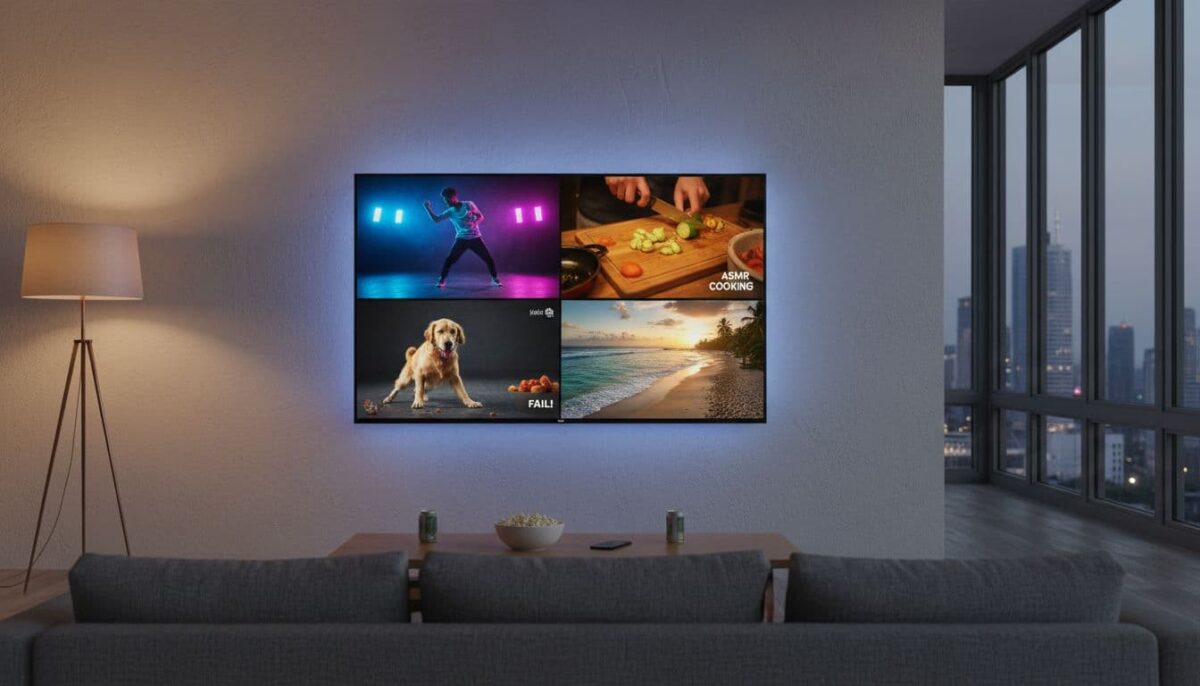
You do not need a special TV upload. You post your Reel from your phone, set it to public, and if it fits a topic and performs well, it may show up in a channel. That is it.
No extra editing, resizing, or export steps required.
Who Can Get Their Reels On TV?
Any Instagram account with public Reels can show up on TV. You do not have to be verified or have thousands of followers. The app pulls from all over Instagram, not just big creators.
That said, not every Reel will appear. The app focuses on content that fits its channels and holds attention.
A shaky 3-second clip with no clear topic is less likely to get TV airtime than a helpful tutorial, a funny skit, or a strong product demo.
Viewers also need the right tech. For now, that means a supported smart TV or device, such as an Amazon Fire TV. As coverage grows, more living rooms will get access, but the rollout will take time.
Do You Really Want Your Reels On TV? Key Pros To Know
Instagram Reels on TV can be great for some people but not for others. Let us start with the upside, especially if you run a small business, run a side hustle, or are growing a personal brand.
Bigger Screen, Bigger Reach For Your Brand
A Reel that might get a quick thumb swipe on a phone can feel very different on a TV. On a 55-inch screen, your logo, colors, and voice are hard to miss.
For brands, that extra presence can make content feel more professional and more trustworthy. Imagine your how-to Reel playing in a waiting room, lobby, or studio while people sit and watch.
Your short clips are starting to feel like mini TV ads, without the TV ad price.
Even for solo creators, a crisp, well-lit Reel on TV looks more like a real show. That can give your work more weight with viewers.
More Views, Followers, And Possible Sales
More places to watch often means more chances to be seen. If your Reels appear on TV channels that match your niche, you can reach people who never found you in the phone app.
Picture a local bakery whose dessert Reel lands in a “food finds” channel. Someone sees it on their couch, visits the shop the next day, then follows on Instagram.
The same thing can happen for fitness coaches, Etsy sellers, or real estate agents.
If you want real results from that exposure, add clear calls to action in your Reels. Tell viewers what to do next:
- Follow you.
- Visit your site.
- Join your email list
- Type a keyword in the comments to get a link.
Perfect For Events, Classes, And Group Watching
Instagram Reels on TV are also handy when you already have a group in one place. Instead of building a long slide deck, you can play a series of short Reels during:
- Workshops and classes.
- Pop-up shops or markets.
- Open houses.
- Family or holiday gatherings.
You can loop quick product demos while people browse your booth, or play short lesson clips between live teaching moments. Because the content already lives on Instagram, you keep everything in one place and reuse it online later.
If you teach or coach, this saves time and helps you stay consistent. One Reel can work for your social feed, your TV watch parties, and your next live session.
The Flip Side: Cons And Risks Of Instagram Reels On TV
Now for the other side. Instagram Reels on TV also raises real concerns, especially around privacy, control, appearing on the big screen, and tech limits.
Less Control Over Where And How Your Reels Appear
Once a Reel is public, it can be watched on phones, laptops, and now TVs in homes, offices, or public spaces. You do not pick the exact living rooms or waiting rooms where it plays.
That loss of control can feel strange if your content is very personal. A silly inside joke with friends might feel fine on phones, but awkward on a giant screen with strangers in the room.
Before chasing reach, ask yourself, “Would I be okay seeing this on a TV in front of people I know?” If the answer is no, keep that Reel private, use Close Friends, or share it only in Stories.
Privacy, Safety, And Brand Image Concerns
Kids in Reels are a big concern. A quick video of your child in the park might feel harmless on your phone, but you may not want that same clip popping up in a random living room.
The same goes for clients and co-workers. A dance trend or party clip that felt casual could look unprofessional when a boss or customer sees it on their TV. Over time, these moments shape your brand image.
If this worries you, review your public posts and your privacy settings. You can keep personal content for a smaller audience and reserve public Reels for content that fits your brand, your comfort level with safety, and your long-term goals.
Seeing Yourself with Instagram Reels on TV
Seeing yourself on the big screen in an Instagram Reel can feel like a spotlight you never asked for, especially if you’re shy and your first thought is, “Do I really want to see myself that big?” or, “What if I don’t look good?”
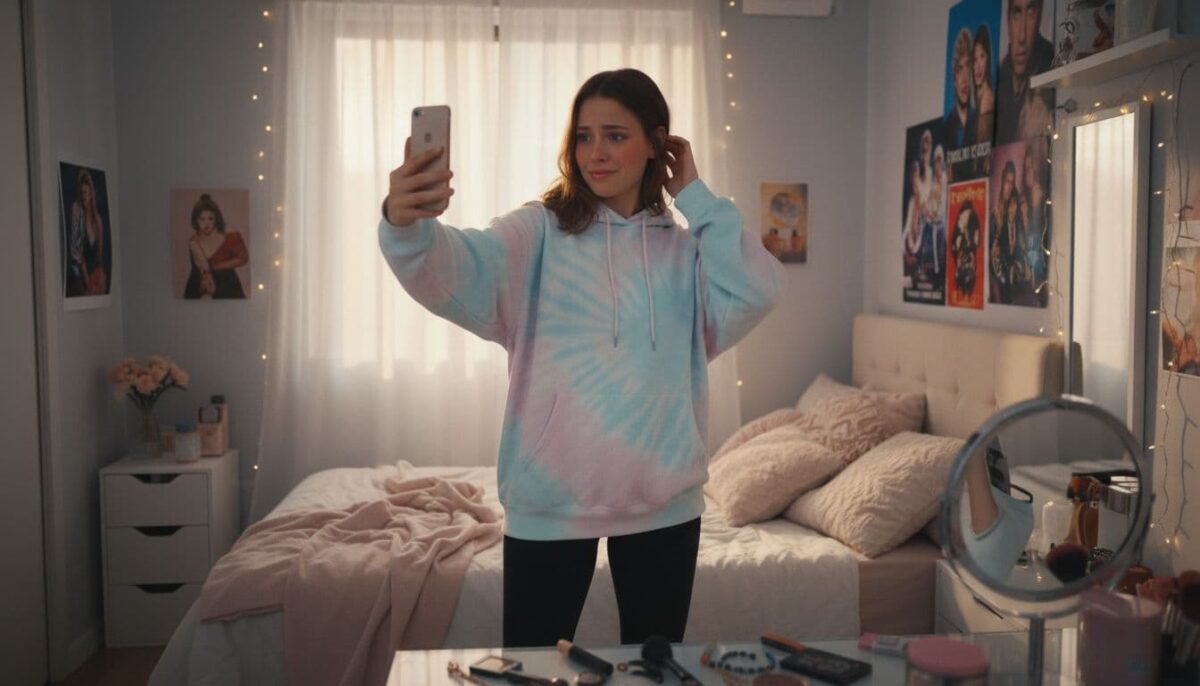
You zoom in on every flaw, replay the clip, and think about who might judge you. But that Reel is also proof that you showed up.
You moved from thinking to doing. Instead of chasing “perfect,” you can focus on looking real, clear, and confident enough for your message to land.
Good lighting, a simple background, and a quick smile go a long way, even if you feel awkward inside. When you watch yourself on that screen, use it as practice, not as a verdict. Be sure to make your own reel covers for the best start to a video.
You are just learning how to show your face with your voice, and your audience cares more about that than a flawless angle.
Tech Limits, Bugs, And Content Quality
Instagram for TV depends on newer devices and stable apps. Early launches often come with login glitches, lag, or missing settings. Some users may not bother updating or may never install the app.
Vertical videos can also look different on wide TVs. Shaky camera work, poor lighting, or muddy sound stand out more on a big screen. Captions that were easy to read on a phone may feel tiny from across the room.
If you hope your Reels will shine on TV, focus on simple upgrades: steady shots, bright light, clear audio, and readable text. These small tweaks help on every screen.
Conclusion: Are Instagram Reels On TV Right For You?
Instagram reels on TV can be a big win if you want more reach, stronger brand awareness, and easy group viewing. The feature turns your best short videos into mini TV spots that can support events, classes, and everyday marketing.
At the same time, you give up some control, face new privacy questions, and run into device or app limits. Not every Reel will look great or feel comfortable on a large screen, especially personal or low-quality clips.
Your next step is simple: review your current public Reels and ask which ones you would be proud to see on a living-room TV. Adjust privacy settings as needed, then plan a few high-quality, on-brand Reels designed for the big screen.
If those feel right to you, you are ready for your TV moment.
Smart FAQs About Getting Your Instagram Reels On TV
Instagram for TV is a new app that lets you watch Reels on your big-screen TV instead of just your phone. It pulls your public Reels into themed channels (music, sports, travel, food, etc.) and plays them automatically like TV channels.
۰Download the Instagram app on a compatible device (Amazon Fire TV to start, now also Google TV).
۰Sign in with your Instagram account (up to 5 accounts per TV).
۰Browse personalized channels and select a Reel—content that then auto-plays, no scrolling needed.
Yes. If your Reels are public, they can appear in relevant channels. You don’t upload anything new or opt in separately.
Vertical Reels that look great on a large screen work best.
It depends on your goals. Public Reels increase reach and brand visibility in shared viewing spaces (living rooms, waiting areas, events). However, review personal or sensitive content first. Use Close Friends or private accounts for anything you wouldn’t want on a big screen in front of strangers.
۰Bigger screen = more professional, memorable impact
۰Shared viewing with family/friends boosts engagement and word-of-mouth
۰New discovery opportunities beyond mobile feeds
۰Free additional distribution for your existing content
Yes, less control over context (who sees it and where), potential privacy concerns (especially with kids or personal moments), and vertical videos can look different on wide TVs with black bars.
No special upload or editing is required. Use your existing public Reels. A compatible TV device (Fire TV, expanding to others) and the Instagram TV app are all you need.

- Which Instagram Monitoring App Wins? EyeZy vs Peekviewer - October 20, 2026
- How to Use Social Media for the Best Black Friday Deals of 2026 - October 19, 2026
- How to Identify and Prioritize Your Money Pages (And Why I Just Updated Mine in Link Whisper) - October 19, 2026
Enjoy this content? Help me show up more often in Google by adding Inspire To Thrive as a Preferred Source: