You open TikTok and get stopped cold by a “new TikTok terms of service” screen. No feed, no Settings, no way to close your account, just an accept button staring back at you. Are you looking to delete your TikTok account without agreeing to the 2026 terms of agreement?
Even with ByteDance’s TikTok US setup shifting in 2026 (a US-run venture, with US user data hosted on Oracle), you might still prefer to leave.
U.S. users are increasingly concerned about the social media app’s data collection practices. If you’re facing new terms and conditions you don’t want to accept and trying to figure out how to delete your TikTok account without agreeing to the new terms of service, you’ll likely need a workaround, and results can vary by phone and app version.
Estimated reading time: 5 minutes
Table of Contents
Key Takeaways
- Users seek ways to delete their TikTok accounts without agreeing to new terms of service due to privacy concerns.
- Before deleting, it’s crucial to save important data, such as drafts, as TikTok may freeze accounts during deletion.
- To delete TikTok, go to Settings, then Account, and select Delete Account if you can access the app.
- If blocked by the terms screen, try workarounds like using airplane mode or the web version to bypass the pop-up.
- After deleting, keep in mind the 30-day deactivation period during which you can cancel the deletion or update your marketing strategies.
Before you delete, save what you might need (videos, drafts, login access)
Deleting the information on TikTok has on you isn’t instant. TikTok typically places your account in a waiting period, so you want your important stuff saved first, especially if TikTok is part of your business visibility.
Some users choose to leave due to concerns about sensitive information and their privacy.
Drafts are the big trap. They often live only on your device, and they may disappear if you log out, reinstall, or delete the app.

Quick pre-delete checklist:
- Update your email and phone so you can receive verification codes.
- Test your codes (log out and back in, or trigger a security check).
- Back up personal data and user-generated information, including any bio text, link-in-bio URLs, videos, and branded hashtags (a few screenshots work fine).
Once a deletion is finalized, it’s hard to reverse.
The normal way of how to delete your TikTok account (if the terms screen does not block you)
If you can still get into the app normally, use the standard deletion flow first. It’s the cleanest option, and it’s less likely to glitch.
- In the TikTok app, go to your Profile
- Tap the menu (three lines)
- Then tap Settings and Privacy.
- From there, go to Account
- Choose Deactivate or delete account
- Then select Delete account
- Follow the prompts to delete the TikTok account.
- This process aligns with TikTok’s official privacy policy documentation.
TikTok may ask you to confirm with a password or a one-time code sent by SMS or email. After you confirm, your account usually enters a 30-day deactivation window.
Your profile disappears from others’ view, but if you log back in during that window, you can cancel the deletion. The steps under settings and privacy fully comply with TikTok’s privacy policy.
For small business users, “deleted” usually means your profile won’t be searchable, but shared links and saved clips can take time to fully stop circulating. Users can request deletion as a formal process.
How to delete a TikTok account without agreeing to the new terms (workarounds that may bypass the prompt)
Here’s how to delete a TikTok account without agreeing to the new terms. This is not an official method, and TikTok can change it at any time.
The new terms and conditions now require accepting a pop-up message that demands access to precise location services and geolocation data.
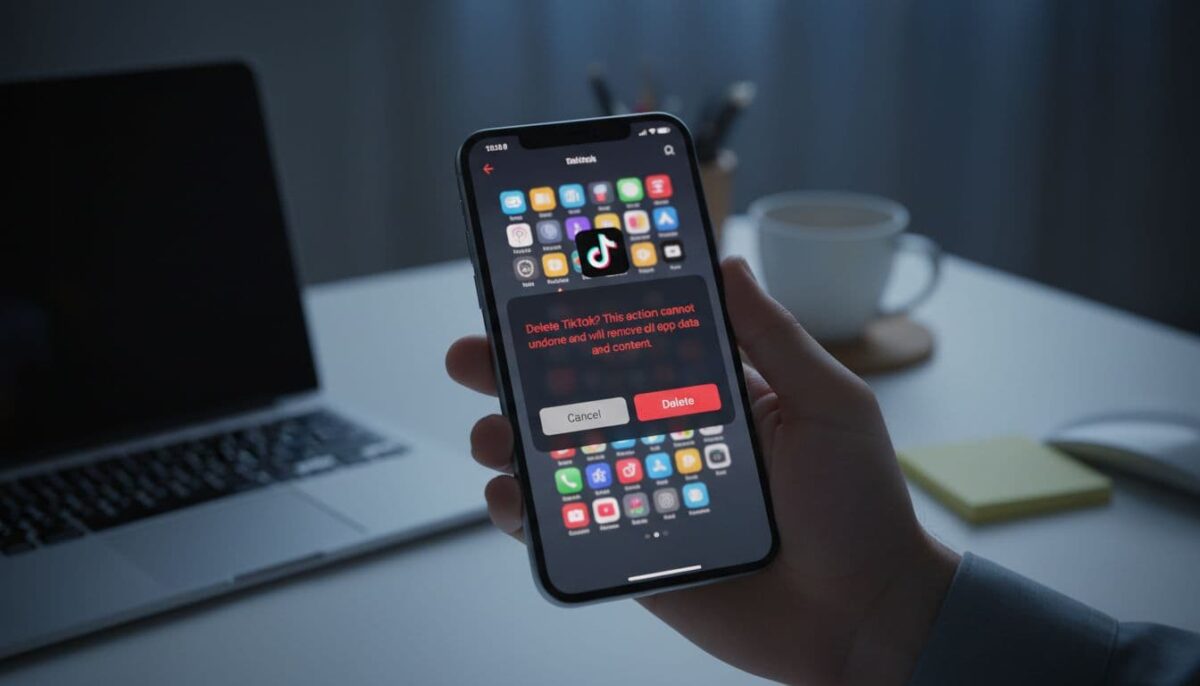
Still, if the pop-up message blocks every tap, you can try reaching Settings through cached screens to opt out of the new terms and conditions.
- Force-close TikTok (fully quit the app).
- Turn on airplane mode (this turns off data and Wi-Fi, helping you bypass location tracking).
- Open TikTok and try to go straight to Profile, then menu, then Settings and privacy.
- If you reach the Delete account screen, keep moving until TikTok asks for verification, then turn off location tracking before finalizing the account.
- Turn airplane mode off only when you need the code, then finish the deletion prompts.
Two quick fixes if it fails:
- If SMS codes don’t arrive, try email verification instead.
- Force-close the app and retry once or twice; cached screens can load differently.
If the app won’t cooperate, try the web flow by logging in at TikTok.com in a browser; sometimes it avoids the in-app prompt. You can also compare notes with this widely shared walkthrough of the airplane mode workaround.
Wrap-up: Make it final (and update your marketing)
Start with the normal TikTok deletion path, then try the workaround if the terms screen blocks you. After you confirm deletion, remember the 30-day window outlined in TikTok’s privacy policy; logging in can undo it and may require you to agree to the latest privacy policy.
If you still can’t access Settings without accepting anything, contact TikTok support through the Help Center and request account deletion. If TikTok drove leads for your business, update your link-in-bio and shift your customer funnel to minimize the amount of user data you share before you disappear.
Deleting your account helps protect your personal information. U.S. users are often wary of processing sensitive data and surveillance details, seeking protections under federal privacy law, while groups like the Electronic Privacy Information Center highlight their right to opt out.
Are you planning on deleting TikTok in 2026?

- How To Use A YouTube Downloader to Repurpose Videos - April 1, 2026
- From Likes to Leads: Turning Social Media Engagement into Revenue - April 1, 2026
- 5 Hashtags Per Post on Instagram: What Changes Now - March 31, 2026