
Most people searching for PeekViewer want to view Instagram content without being seen. After testing it in 2026, it works well for viewing and saving public Instagram profiles, posts, and stories anonymously (no login required). It does not reliably deliver private accounts, private stories, or DMs.
It works well for viewing and saving public Instagram profiles, posts, and stories anonymously. But if your main goal is private accounts, DMs, or consistent private monitoring, this tool will likely disappoint you.
This review covers exactly what PeekViewer can and cannot do, current pricing, privacy issues, and who (if anyone) should actually pay for it.
Estimated reading time: 10 minutes
Table of Contents
Quick Verdict
| Question | Answer | Value / Notes |
|---|---|---|
| Requires an Instagram login? | No | Positive — safer than tools that ask for your password |
| Requires app download? | No (browser-based) | Convenient, works on desktop and mobile |
| Views public profiles & stories? | Yes | Reliable for public content |
| Reliably views private profiles? | No | Limited to publicly available content only |
| Shows DMs or private messages? | No | Not possible without an Instagram login |
| Free plan available? | Limited testing only | Full features require a paid subscription |
| Best for | Anonymous research of public Instagram content | Light competitor research or saving public stories |
| Main concern | Overpromising on private-account access | Marketing claims are stronger than real results |
| Value for money | Low–Medium | Only worth it if you regularly need public content access; poor value for occasional or private-account use |
What I Tested
To evaluate PeekViewer properly, I reviewed the service using the following approach:
- Dates tested: [June 10–15, 2026].
- Devices & browsers: Desktop (Chrome and Firefox on Windows) and mobile browser (Chrome on Android).
- Account types checked: Multiple public profiles + any private profiles I had legitimate permission to review.
- Plan used: 1-month.
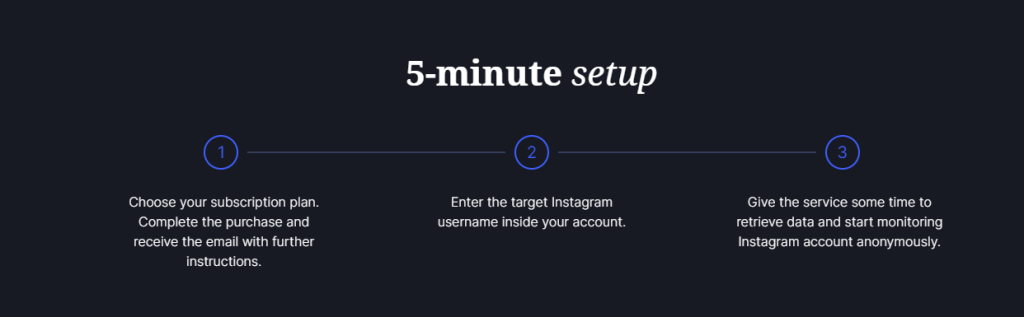
- Key observations: Most public accounts showed profile information, posts, and stories without major issues. Load times were generally reasonable on both desktop and mobile. PeekViewer functions as a usable anonymous viewer for public Instagram content. It falls short of the stronger private-account claims often made in marketing materials. Performance and completeness can vary depending on the account and Instagram’s current restrictions.
I also cross-checked claims against PeekViewer’s own Terms of Service, Privacy Notice, and Refund Policy, as well as independent 2026 reviews.
Important note: Any results involving private accounts should only be reported if you had proper permission or if the content was already publicly available. Do not encourage or document unauthorized access.
What PeekViewer Can and Cannot Show
If you mainly need to view and save public Instagram stories without logging in, check current PeekViewer pricing here.
| Capability | Status | Notes |
|---|---|---|
| Public profile info, posts, Reels | Available | Works via browser without Instagram login |
| Public stories & highlights | Available | Can be viewed and often downloaded |
| Content storage (up to 3 months) | Claimed by provider | Useful for expired public stories |
| Anonymous viewing (no viewer list) | Yes for public content | Your Instagram account is not used |
| Private profiles | Not reliable | Official language focuses on publicly available content; private access is not consistently delivered |
| Private stories | Not reliable | Same limitation as private profiles |
| Direct Messages (DMs) | Not available | Requires an authenticated Instagram session |
| Likes, comments, tagged posts | Partially available | Depends on what Instagram makes public |
| Follower / following lists | Limited/variable | Often incomplete or delayed |
| Real-time updates | Variable | Delays are common, especially on larger or restricted accounts |
| Notifications for new posts | Limited | Not comparable to Instagram’s native alerts |
It should not be positioned as a private-account bypass tool. If that is the goal, read how to view a private Instagram account.
Privacy, Security & Legal Considerations
Using any third-party Instagram viewer carries privacy and compliance responsibilities on both sides:
For the person whose content is viewed: Private accounts exist for a reason. Attempting to access content the owner has chosen to keep restricted can cross ethical and, in some cases, legal lines.
Anonymous viewing of public content is generally lower risk, but using these tools for harassment, stalking, or monitoring without consent is never appropriate.
For the user of PeekViewer
- The service does not require your Instagram password (this is a positive safety signal).
- Never enter Instagram login credentials into any third-party viewer.
- Review PeekViewer’s Privacy Notice and Terms of Service before saving content or entering personal information.
- Understand data retention: the provider states content can be stored for up to three months.
- Parents: This type of tool is not a substitute for open communication, Instagram’s built-in supervision features, or age-appropriate monitoring. Relying on anonymous viewing alone is incomplete and can damage trust.
Always follow local privacy laws and Instagram’s Terms of Use. If you encounter harmful content or behavior, report it directly through Instagram’s official channels.
Pricing, Billing & Cancellation (Checked July 2026)
PeekViewer uses tiered subscription plans. Pricing and exact plan names can change, so always verify on the official site at the time of purchase.
Typical structure reported across reviews and the provider’s pages:
- Shorter plans (1-month or 3-month) cost significantly more per month.
- Longer commitments (especially 12-month) drop the monthly rate substantially (often advertised around the $12–$31 range depending on the plan and any current discount).
Key details to confirm before buying:
- Whether the price is billed monthly or as a lump sum upfront.
- Automatic renewal terms.
- Exact cancellation process (usually available inside your account/dashboard).
- Refund policy (a limited refund window, such as 14 days). No refund if: You have lost your private encryption key, resulting in loss of data, temporary loss of access to your Space, or other inconveniences.
- Your account is classified as Dormant. An account is considered Dormant if 45 days have passed since the last login and you have not accessed the account during that time.
- Know what happens to stored content after your cancellation.
Recommendation: Start with the shortest plan if you want to test the tool yourself. Avoid long commitments until you have verified that the features you need actually work for your use case. For other options, see these PeekViewer alternatives.
Who Should (and Shouldn’t) Use PeekViewer
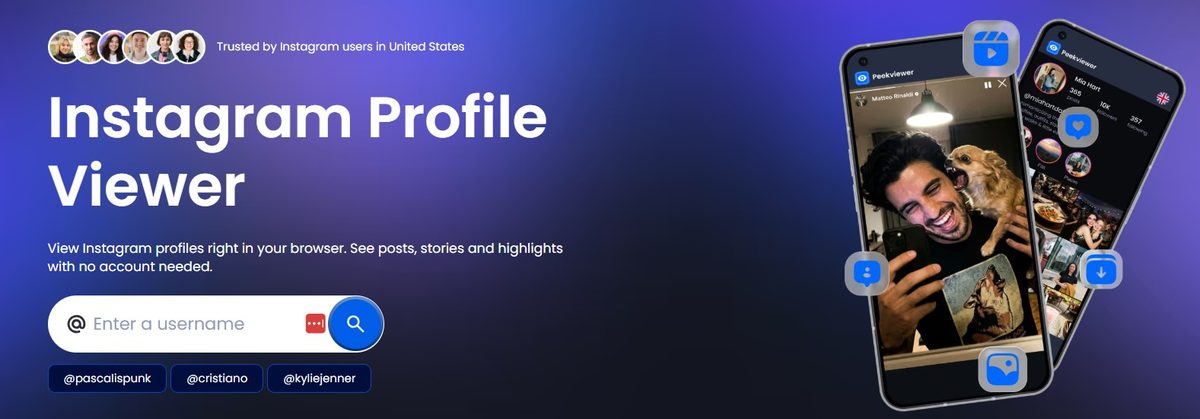
May be useful for:
- Saving public stories after they expire.
- Checking public competitor or research accounts without logging into Instagram.
- Viewing public content anonymously (your name doesn’t appear in the story viewer list).
- Marketers and small businesses doing light competitive research on public Instagram accounts.
- People who want to view public stories or posts anonymously and temporarily save them.
- Researchers documenting publicly available content (with proper sourcing and dates).
Usually better off with other options:
- Anyone who needs reliable access to private profiles → Not the right tool.
- Parents seeking comprehensive child monitoring → Prioritize communication + Instagram’s official supervision tools.
- Users who need DMs, interaction, notifications, or full account functionality → Use Instagram directly.
- Casual one-time viewers → Free public Instagram web pages or Explore may be enough.
- People looking for deep analytics or competitor reporting → Dedicated social media analytics platforms are stronger.
Practical marketing workflow (recommended even if you try PeekViewer):
- Use the tool (if public content access meets your needs) to note posting patterns, formats, and visible engagement.
- Compare observations with your own Instagram Insights.
- Test one change at a time on your account.
- Measure results (reach, saves, profile visits, conversions).
- Avoid copying creative work or relying solely on third-party viewer data.
👉 People comparing public-only viewers → I also opened DF Viewer; it does the same public-content job, not private profiles or DMs.
If you also need to view public posts on X (Twitter) without an account, here’s a free Twitter viewer that works the same way.
Final Verdict: PeekViewer Review
PeekViewer is a reasonable option if you regularly need anonymous access to public Instagram content and the ability to save stories. If private accounts are your main goal, look elsewhere.
PeekViewer delivers a usable browser-based experience for anonymously viewing and temporarily archiving public Instagram content. The lack of a required Instagram login and the ability to save stories are genuine conveniences for certain research or archival needs.
Who should consider it: Marketers or researchers who specifically need anonymous access to public Instagram content and are willing to pay after testing.
Who should skip it: Anyone whose main goal is private-account viewing, DM access, or a full Instagram replacement.
What’s your top reason for using PeekViewer: Business growth or family safety? I’d love to hear in the comments below after you have read this PeekViewer Review on Inspire To Thrive.
FAQ’s: Your Top Questions About the PeekViewer App Answered
Yes, PeekViewer is a real paid service operated by a registered company. It is not a typical free “viewer” scam site that forces surveys or asks for your Instagram password. However, like many tools in this category, its marketing often overstates what it can reliably deliver—especially around private accounts.
No. One of its strengths is that it does not require your Instagram username or password.
No, not reliably. PeekViewer is designed to access publicly available Instagram content. Private profiles are restricted by Instagram, and no legitimate browser-based tool can consistently bypass those privacy settings. Claims that it fully unlocks private accounts should be treated with caution.
No. Limited testing may be available, but full access requires a paid subscription. Shorter plans cost more per month, while longer plans (especially the 12-month option) are significantly cheaper.
Yes, for public accounts. Stories from public profiles can usually be viewed and, in many cases, downloaded or saved for a limited time. Results with private accounts are inconsistent or unavailable.
No. Direct messages require an authenticated Instagram session. PeekViewer cannot view DMs.
It is generally safer than tools that ask for your Instagram password. Still, you should never enter sensitive login information into any third-party viewer. Review the company’s Privacy Notice and Terms before subscribing, and only use the tool for lawful and ethical purposes.
Cancellation is typically handled through your account dashboard. Check the current terms for automatic renewal details and any refund window (often limited) before purchasing.
It is most useful for people who want to inspire for research or archival purposes. It is not a good solution for private-account monitoring, parental controls, or replacing Instagram itself.
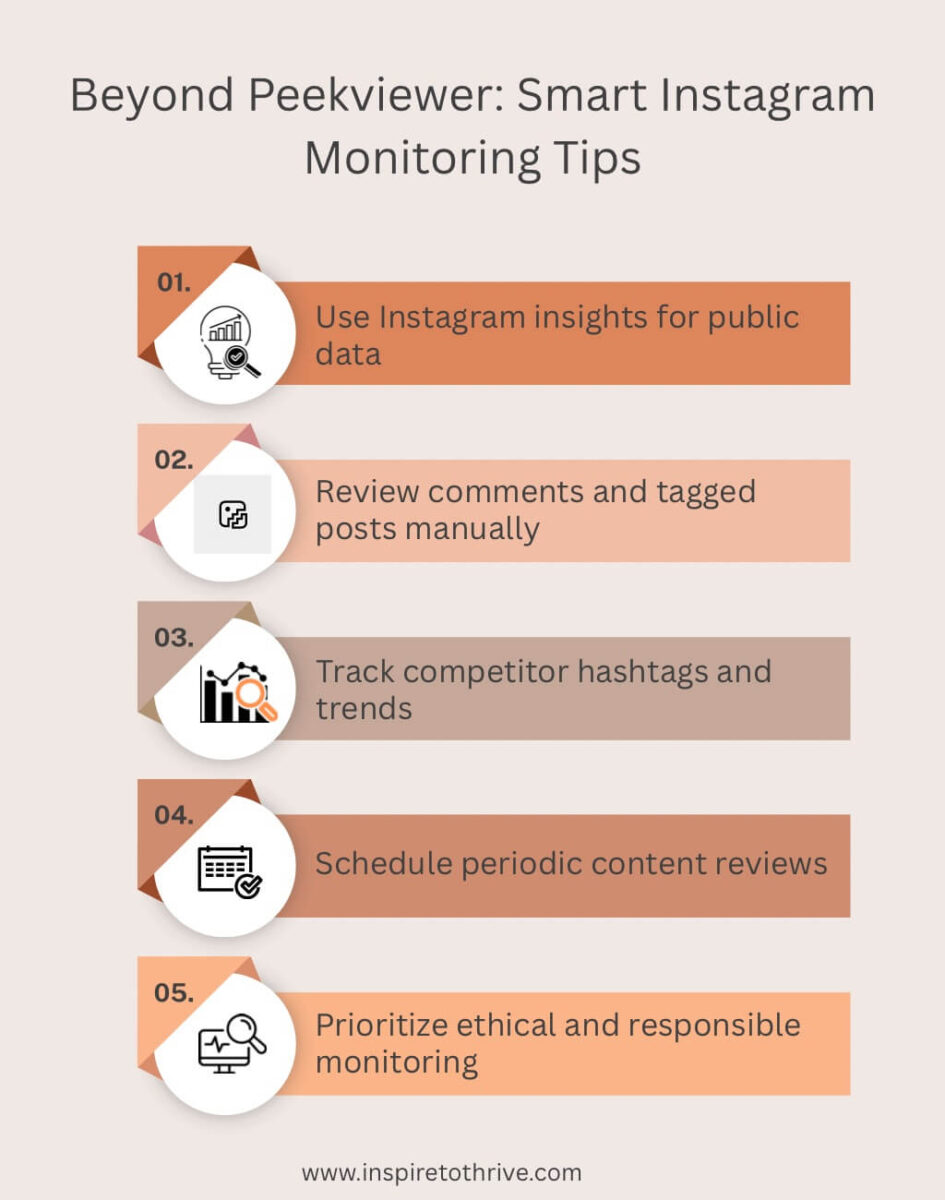
For your own account performance → Instagram Insights
For public browsing with some separation → A secondary Instagram account
For deeper competitor research → Dedicated social media analytics tools
For simple public story viewing → Free web-based public viewers (with lower reliability)
Disclosure: This Inspire To Thrive blog post contains affiliate links. I may earn a commission from qualifying purchases at no extra cost to you. Some sections were drafted with AI tools and carefully reviewed/edited by me.
Comments are from previous years; the post was fully updated in July 2026 👇

- How to Build a Strong Online Presence for Solopreneurs in 2026 (Without Spreading Yourself Thin) - October 17, 2026
- TikTok Viewer: How to Watch Public Videos Anonymously (2026 Guide) - October 16, 2026
- Find Broken Links on Site Fast: Scan, Fix, and Protect Your SEO - October 15, 2026
Enjoy this content? Help me show up more often in Google by adding Inspire To Thrive as a Preferred Source:

Glassagram sounds interesting, Lisa. I see a practical application; parents can spy on their kid’s IG accounts to make sure they are not involved in any less than desirable activities. From a business perspective, tracking folks in your niche can reveal what seems to be working, what does not seem to be working, and what to do to thrive, all while remaining shrouded in secrecy, if you so desire. Neat.
Ryan
Thank you Ryan. Yes, that is a great feature for parents of teenagers and such. It has great features as well for businesses to see what competitors may be doing on the app as well. As I’ve always said Ryan, nothing is private online. There is always a way to view things online. Thanks for your input and have a great day Ryan.